
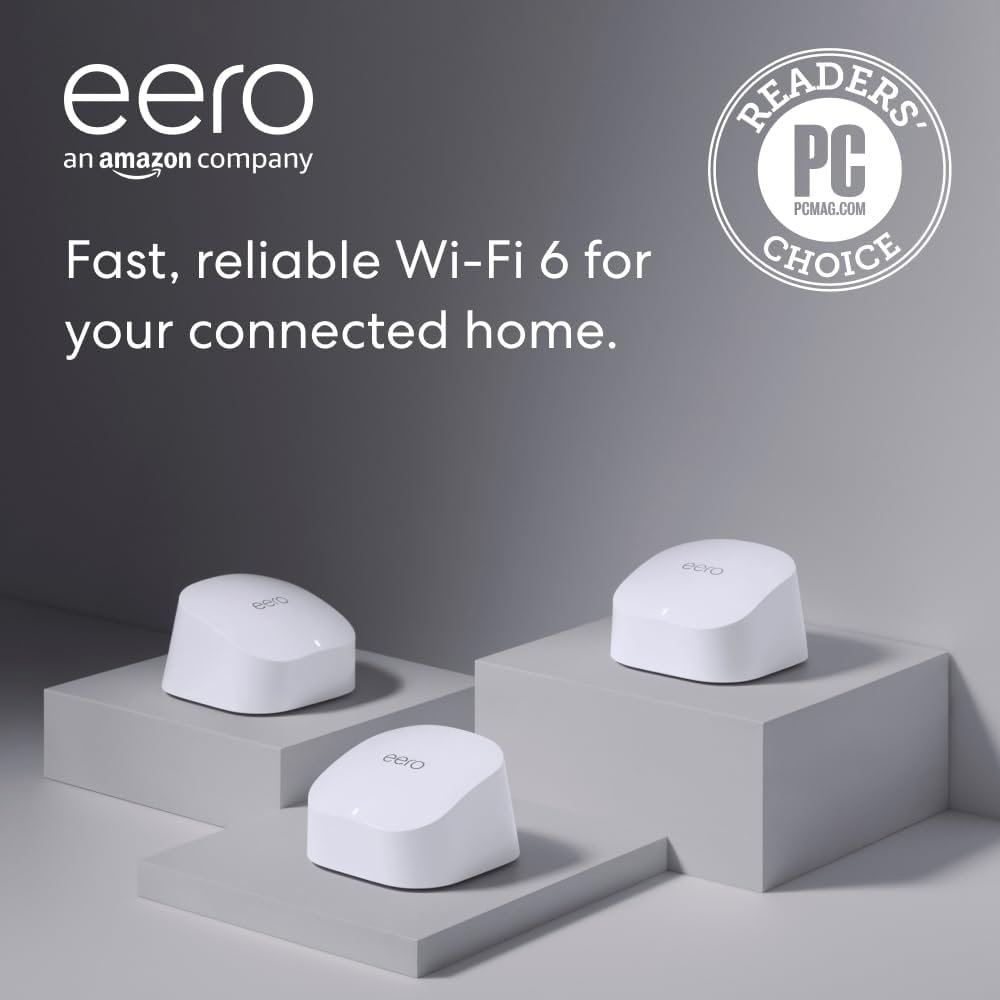
Amazon eero 6 mesh wifi system – Supports internet plans up to 500 Mbps, Coverage up to 4,500 sq. ft., Connect 75+ devices, 3-pack (1 router + 2 extenders)
$139.99
Related Products

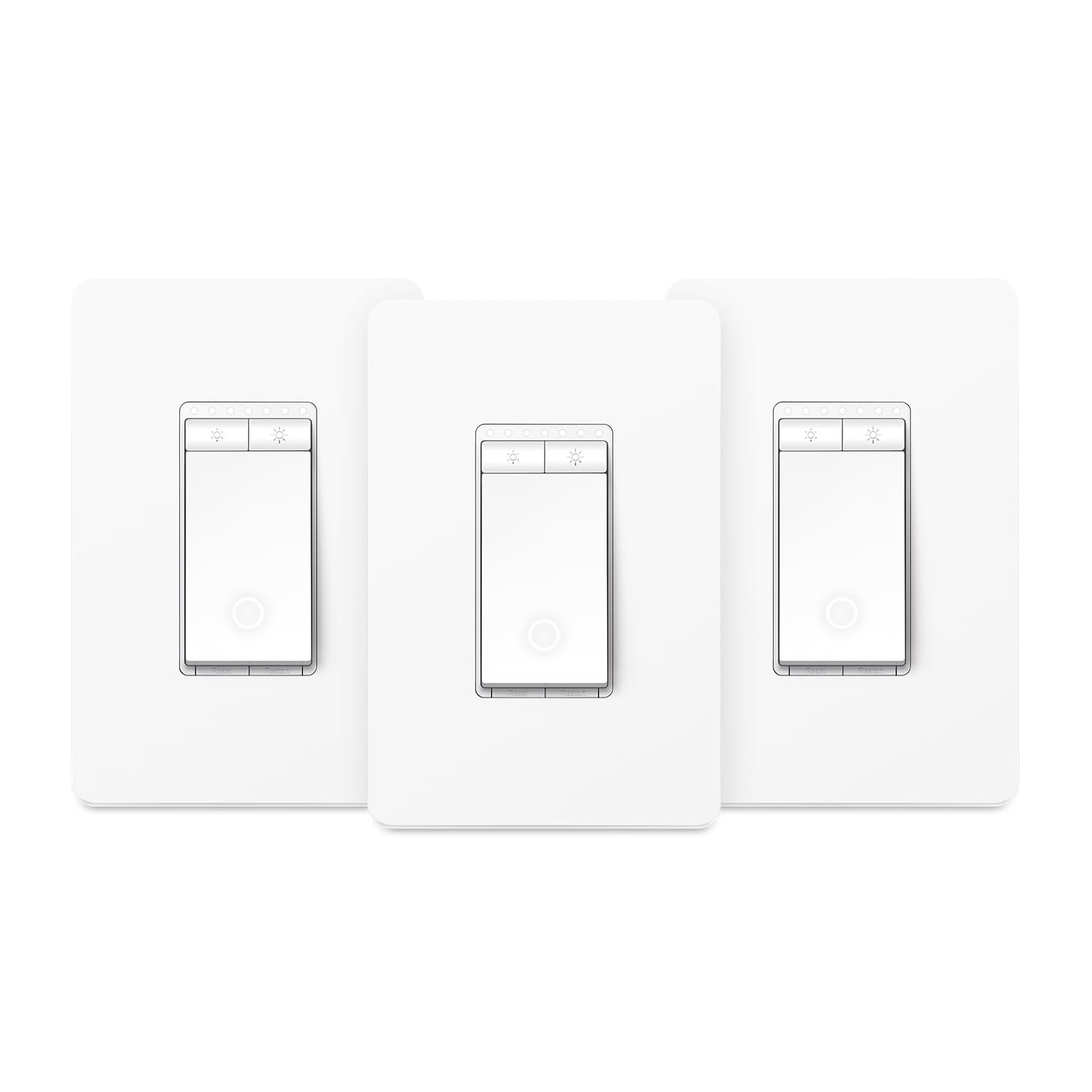

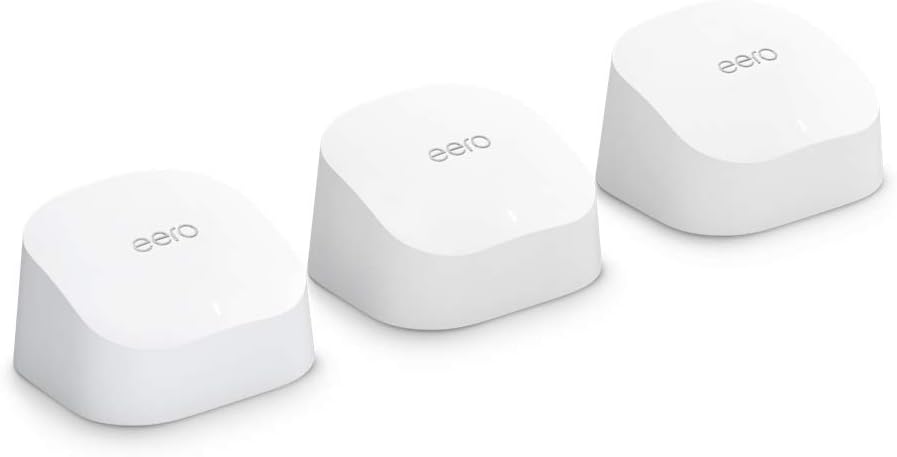




WHOLE-HOME WI-FI 6 COVERAGE – an eero 6 3-pack covers up to 4,500 sq ft. with wifi and supports wifi speeds up to 500 Mbps.
SAY GOODBYE TO DEAD SPOTS AND BUFFERING – eero’s mesh wifi technology optimizes for your space—so you can confidently stream 4K video, game, and video conference across your home.
MORE WIFI FOR MORE DEVICES – Wi-Fi 6 supports faster wifi than prior standards and permits 75+ connected devices.
SET UP IN MINUTES – The eero app walks you through setup and allows you to manage your network from anywhere. Plus, free customer support is available 7 days a week in the US at support@eero.com or +1-877-659-2347.
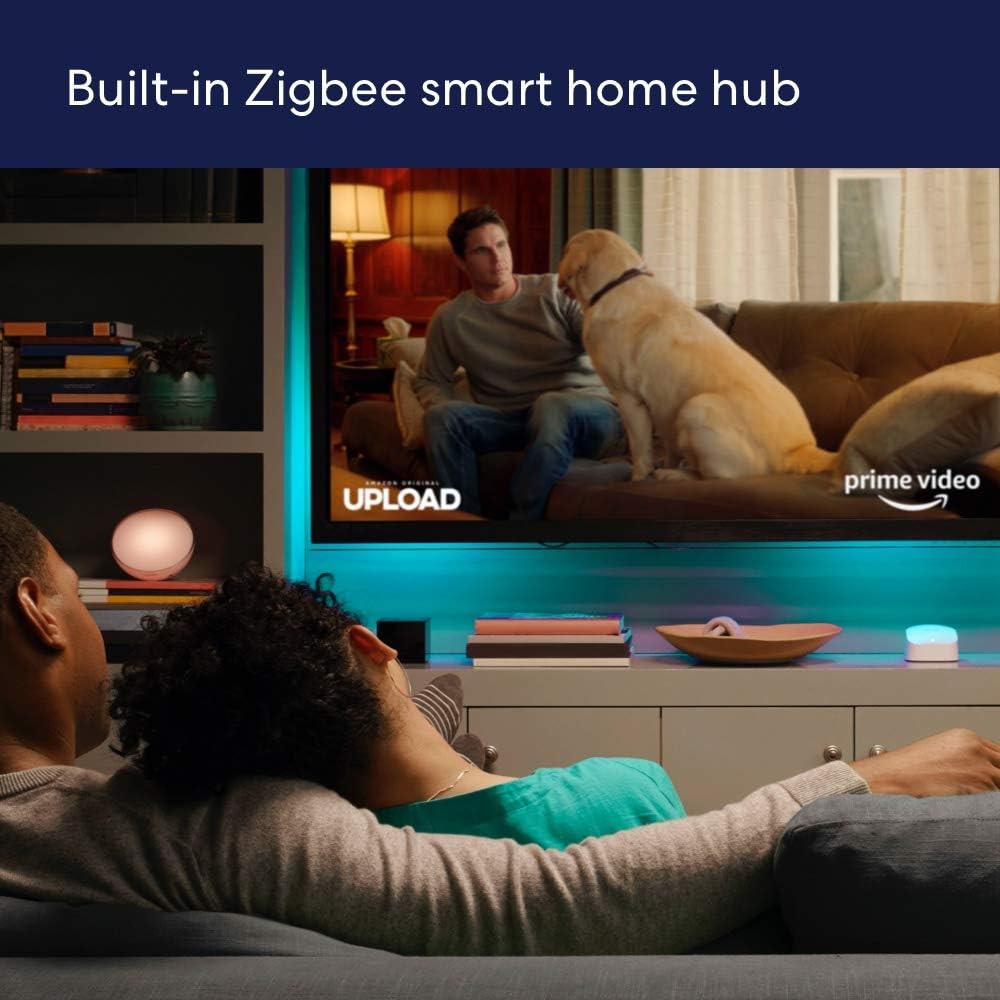
CONNECT TO ALEXA – eero 6 doubles as a Zigbee smart home hub, making it easy to connect and control compatible devices on your network with Alexa.
GETS BETTER OVER TIME – Automatic updates bring the latest and greatest in eero wifi while also helping to keep your network safe and secure.
EASILY EXPAND YOUR SYSTEM – With cross-compatible hardware, you can easily add eero products as your needs change.
6 reviews for Amazon eero 6 mesh wifi system – Supports internet plans up to 500 Mbps, Coverage up to 4,500 sq. ft., Connect 75+ devices, 3-pack (1 router + 2 extenders)
Add a review

$139.99
Charles Trayes –
Five stars, no question.
I installed the Amazon eero 6 mesh WiFi extender to fix a few dead zones in my home, and it exceeded expectations. Setup took less than ten minutes using the eero app. The connection synced automatically with my existing network, and the signal strength now reaches every corner of the house, including the garage and back patio.Speed tests show consistent performance with no drops or buffering, even when streaming 4K video and running smart devices at the same time. The design is compact and blends in nicely. The app gives clear insights into connected devices, and updates run quietly in the background without me having to manage anything.If you want a dependable mesh WiFi solution that just works, the eero 6 delivers. It’s reliable, quick to install, and keeps your network running smoothly. Five stars, no question.
Jeff Z –
Preforms flawlessly. Easy setup
Performs flawlessly. Great signal strength. Good value for the money.
JB Nye –
Setup was way easier than I expected.
I needed to set this system up on my new ISP router and switch several devices over to it, from my old (still running) wifi router attached to the modem of my (soon to be disabled) DSL service. I was very hesitant about doing this, fearing I’d lose all internet access and possibly not be able to recover. I was needlessly concerned! Setting up the new Eero devices using the iPad app was so easy! Connecting to the cable modem worked after rebooting the modem. Switching all my Apple devices was a snap and the eero app makes it easy to see those devices. A bit more challenging to switch my AirPrint printer over, but once I found some general instructions online, I had it working in less than a minute. The only thing left to swap is my Windows laptop but at this point I’m pretty optimistic. I also love that eero monitors my internet speed and I can check that in the app, as well.
R. N. –
A couple issues, overall good.
Does it mesh my house in glorious internet? Yep, and is easy to get devices attached.Does it provide the speed I expected? Yep on that as well.Is it perfect? Hardly.First, be aware of what you are specifically getting. If you think this is a normal router and you will be able to micromanage users locally…..well, you are wrong. This is, basically, a cloud based system. That means if you are hoping to see URL history like a normal router…. well you aren’t getting that with this. The idea is that that is a privacy issue because the processing of url history isn’t done on the local router, it’s done on the EERO/Amazon servers. Thus, a privacy issue to display it to local users/admins.Second, to put it another way: This isn’t your old-school router. It does not have the normal robust features of a stand-alone router. It’s more like a simple dumb terminal that hooks up to the internet, but the horsepower is on the backend servers. You aren’t going to get features you might want.Some features require a subscription, something that, in my opinion, isn’t all that clear what you get and what you don’t. Other features simply don’t exist on EERO mesh units. PPPoe as an example.You also need a cell phone to set this up, or an internet connection that is separate from what you are trying to setup. This is also not clear. It specifies you need to setup the app on an internet connected device, but it doesn’t explain why.Did i have problems? You bet. EERO could NOT get DHCP from my ISP. NO, it wasn’t a weird setup. I tested with 4 other brand routers. All of them plugged in, grabbed ISP DHCP and started providing internet to devices. The EERO, not so much. After a VERY frustrating experience with support, I just let it sit and waited. It EVENTUALLY got DHCP, but then failed a couple days after that. Rinse, lather, repeat.If EERO is going to tout itself as a router, DHCP from an ISP modem should NOT be an issue under any circumstances. YES, I did turn off/on all the recommended things. YES, I did talk to EERO support. YES, I did talk to my ISP, who said it is clearly an EERO problem. I tend to agree. If ALL other routers were capable of getting an IP and going, EERO shouldn’t have had an issue. Yet, it did. My fiber connection is not in any way a weird setup, and the other routers prove it. This is specifically an EERO issue.Overall it does coverage well. Setup and features are not what they should be, but they are adequate. Also should mention, there are “features” in the EERO app that aren’t actually functional at this time. Like Voice assistant and device name sharing. They are clearly in the app, but a support person on another site said this “Those actually shouldn’t be visible, it’s a bug.” Knowing that a major product like EERO can’t get a dev to hide a toggle switch doesn’t give the best warm and fuzzy.Would I buy EERO again if given the chance knowing what I know now? Probably not. Am I keeping it? Yes, because I do love the wi-fi coverage and speed. I just think, for the inflated price it carries that it is feature barren.
Pennies in the fountain –
Easy to set up, reliable system
This was the easiest extender to add ever. We already have the main Eero system but had a dead space nearest the garage. To me these devices are pricey but it’s with it not to have frustrations with our Internet. After taking it out of the box, I plugged it into the wall nearest the base. I opened the Eero app, clicked the plus sign in the blue circle at the top right of the app. Then it asked to update the device and that took a minute. Pow – it was completely ready. I unplugged it and took it to an outlet close to the garage, plugged it in and my devices in the garage easily connected. The Eero system connects like butter. Although I did need to call when first seeing up the entire system a couple years ago since I’m not a techy.
Ruben Ramirez –
Simple Set Up
Been using it for a few months now, was really easy set up. Had no issues with it and great signal in the house now.