
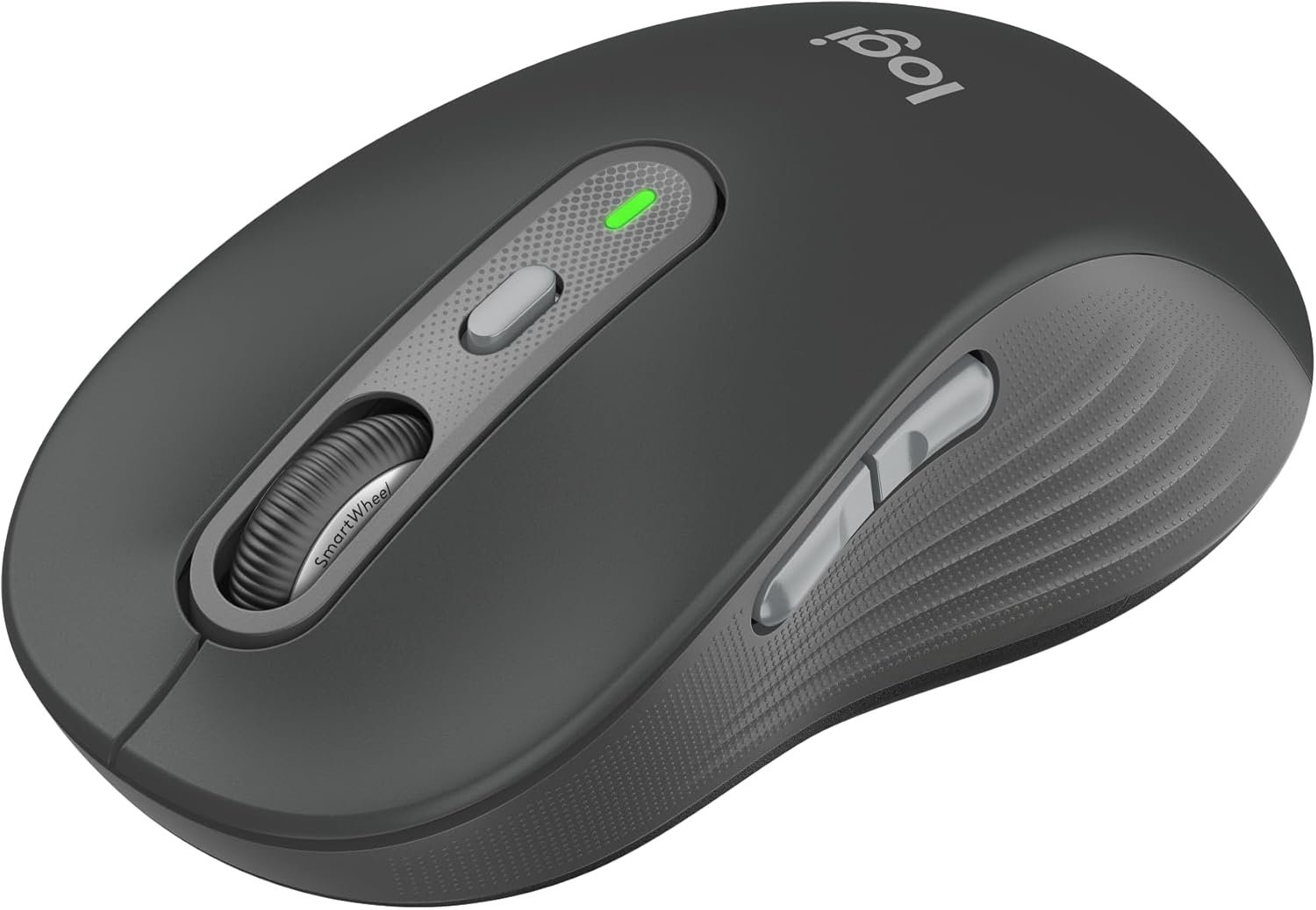
Logitech Signature Plus M750 L Wireless Mouse – for Large Hands, SmartWheel, Bluetooth, Multi Device, 24-Month Battery, Silent Clicks, Customizable Side Buttons, Contoured Shape – Graphite
$6.99
Related Products








Logitech Signature Plus M750 L Wireless Mouse Upgrade to smarter scrolling, better comfort and more productivity with Signature Plus M750 L. SmartWheel scrolling delivers precision or speed the moment you need it. A choice of sizes for smaller or larger hands truly makes Signature Plus M750 L a perfect fit for everyone. Easy-Switch lets you pair and switch between up to three Bluetooth devices, while the DPI switch means you can seamlessly customize your mouse settings. Silent clicks and the contoured shape keep you comfortable and focused hour after hour. Product details: Weight (with batteries): 111.2g (3.93 oz ) Dimensions: 118.19 x 65.63 x 41.52 mm (4.65 x 2.58 x 1.64 in) Connectivity: Logi Bolt USB Receiver or Bluetooth Low Energy Wireless Technology System requirements: Windows 10, 11 or later, macOS 10.10 or later, Linux 4, ChromeOS 4, ipadOS 13.4 or later, Android 8.0 or later *Click noise reduced by over 90% compared to Logitech M185. Left click and typing dBA level measured by an independent lab at 1 meter. **Battery life may vary based on user and computing conditions **** Excludes receiver and printed wiring assembly (PWA) plastics, and packaging.
Scroll smarter: With Logitech Signature Plus M750 L Wireless Mouse you get line-by-line precision for documents and super-fast scrolling for long web pages; simply switch modes with a flick of the SmartWheel
Upgrade your comfort: This mouse provides long hours of comfort thanks to its shape, soft thumb area and rubber side grips that keep your hand snug. Sizes and handedness available
Easy-Switch and Flow enabled: Pair and switch between up to three Bluetooth devices and effortlessly transfer text, images, and files between Windows and macOS operating systems
Less noise, more focus: Whether working at the office or at home, Logitech Signature Plus M750 L is a quiet mouse, allowing you to enjoy 90 percent less click noise with SilentTouch technology
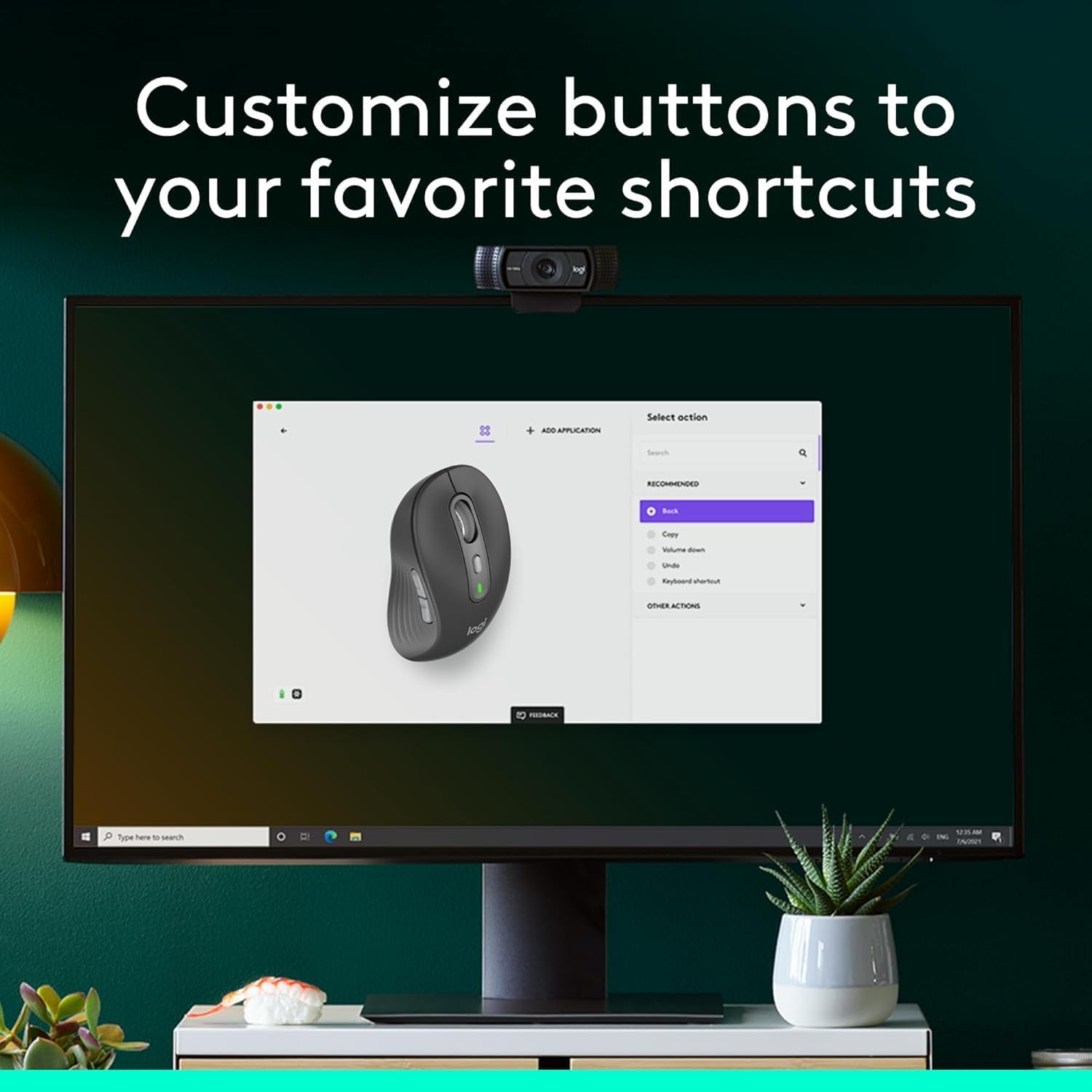
Customizable side buttons: Customize the side buttons on the computer mouse with Logitech Options plus , available on Windows and macOS, to your favorite shortcuts – like back/forward or copy/paste
24 month battery life: Work for up to 2 years on the single AA battery that comes with your multi-device mouse
Works on multiple platforms: Experience seamless compatibility with Windows, macOS, Linux, ChromeOS, ipadOS, and Android operating systems with Logitech Signature Plus M750 L wireless Bluetooth mouse
Note: In case of Wireless mouse, the USB receiver will be provided inside or along with the mouse
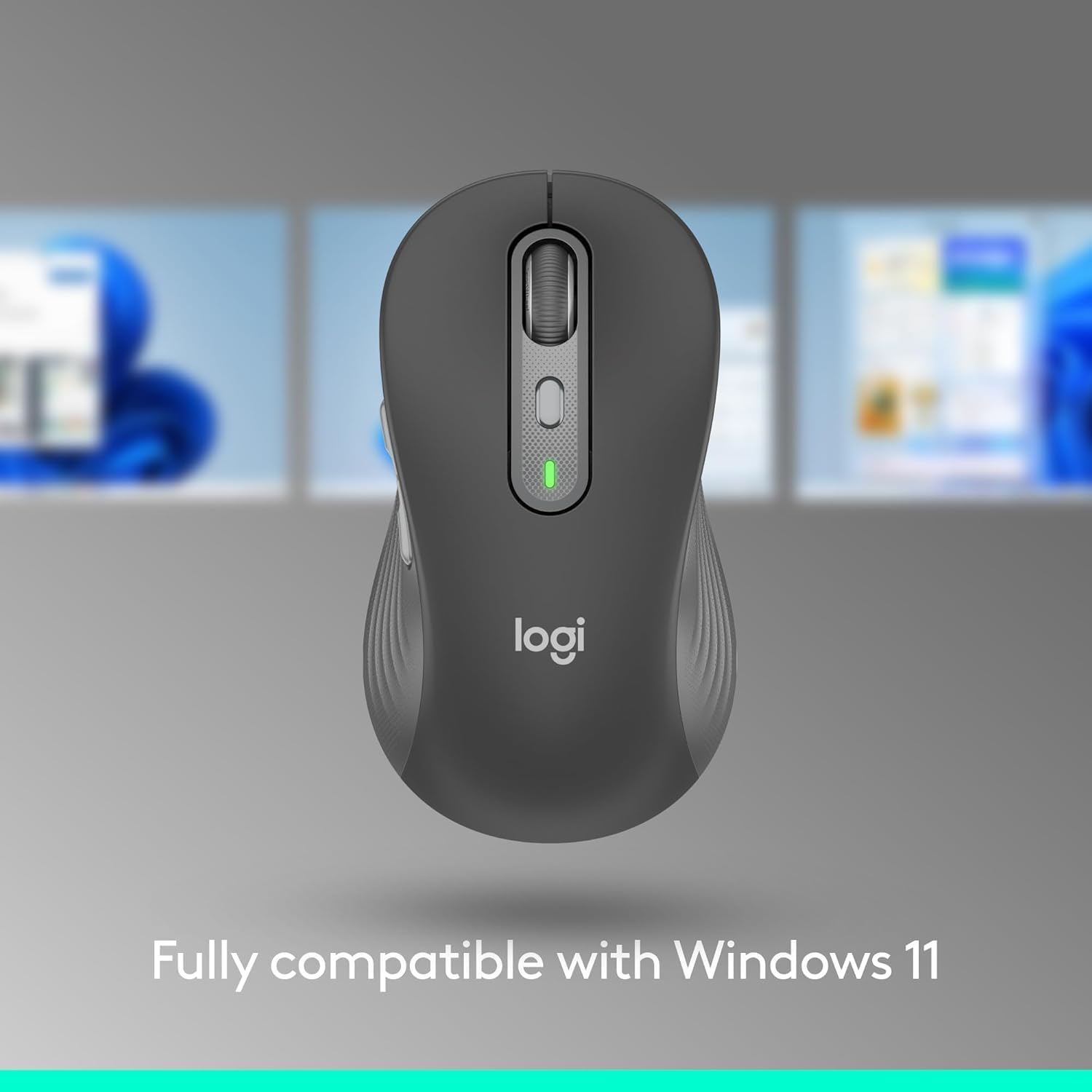
Fully compatible with Windows 11
13 reviews for Logitech Signature Plus M750 L Wireless Mouse – for Large Hands, SmartWheel, Bluetooth, Multi Device, 24-Month Battery, Silent Clicks, Customizable Side Buttons, Contoured Shape – Graphite
Add a review

$6.99
Robert Schmidt –
MX Master alternative at less than half the price
I’ve been using MX Master’s for the last 10 years now, but it seems the click mechanism has been getting worse on recent years and I’ve gone from my original which last 3-4 years to the latest 3S which barely lasted more than a year before the mechanism failed. I decided to try something different this time around and got both an M650L (which seems to be the same as the 750 L but lacks multi device functionality) and M750 L. After taking it out of the box it feels almost identical to the MX Master, if slightly cheaper feeling (and honestly I would be nitpicking to say it feels cheaper). It even has fairly silent clicks.I’ve used it for several months now with no issues, that’s not to say it wont develop the same clicking mechanism issues as the MX Masters but at less than half the price I think it’s less of a worry. I think unless you specifically need the extra buttons on the MX Masters, this mouse makes way more sense.It also uses a AA battery instead of a rechargeable USB C, which I used to think would be a con but the battery lasts much longer and I don’t need to worry about carrying around a cable with me when I travel. If this lasts 4 years like my original MX Master, having AA batteries will also mean the battery won’t degrade over time.
Rhoq –
A great alternative to the MX Anywhere 3S
I own a Logitech MX Anywhere 3S and really like it. I wanted a similar mouse to use with my laptop, but didn’t want to spend $90 on another Anywhere 3S. The Signature Plus M750 is the more affordable little brother to the Anywhere 3S. It has many of the same features for half the price. It’s a great compromise for anyone looking for a mouse similar to the Anywhere 3S, but doesn’t want to spend MX money.
RT –
M750 right click button to sensitive
Comparing the m750L with the M705, the M705 wins. The M750 did not work with my hands, the right click button was way too sensitive and was always activating.
Ronnie Zupke –
Works great.
Very quiet and precise pointing.
Sal –
Sobre el mouse
Es un buen producto !
Shoe Girl –
Silence is Golden
Just what I wanted. No clicking noise and works perfectly.
Oscar A. –
Perfecto
Muy buen mouse para varios dispositivos
CMR –
Perfect Travel Mouse Bluetooth!!
Comes is sizes for Small medium or Large hands. Great idea. Made well connects with USB or Bluetooth can switch.Easy to use. SILENT!!
Vero –
Parfait pour l’es grande main. Super silencieux!
Chuck –
Works great and buttons are smooth.
Iris –
I own several Logitech mice, and this model is my favorite for work. It has all the features I need: compact yet a comfortable size, responsive performance, nearly silent clicks (except for the forward/backward buttons, which have a slight sound), and smooth line-by-line scrolling. Overall, I’m happy with the purchase.
B. DANIEL –
Vraiment parfaite, fonctionnalités intéressantes.Connexion très rapide, silencieuse, précise.Je recommande.
Lutful Arefin –
This is a great mouse. It’s light, precise and comfortable.However, am I being more productive using this? …. Yes and No.I bought this to multitask on multiple device at once. But it’s not possible to do that quick enough. Because, to switch from one device to the other,1. you must flip the mouse,2. find the button which is flush with the base, and then3. click. At this point, you also need to remember how many times to click!4. If you forgot that and switched to the wrong device, you must go to 1.The whole purpose of having a multi device mouse is to be able to quickly switch between devices and be more productive. But ehh!I was hoping that this mouse has a customizing app; so, I maybe able to map the functionality to another button and Logitech failed me again! Well done! One star taken for that pathetic shortfall.I cannot strongly recommend this as I know there are other mice with the device switching button placed on a better location, just not with Logitech. People should buy those instead.