

BlueDriver Bluetooth Pro OBDII Scan Tool for iPhone & Android – No Subscription Fee – OBD2 Car Scanner and Code Reader – Diagnose Check Engine, ABS, SRS, Airbag & 7000+ Issues on Vehicles 1996+
$8.99
Related Products




From the brand


Professional-Grade Diagnostics
The ability to read and clear enhanced codes for various systems such as ABS, SRS, transmission, and more.

Repair Videos
More ways to fix your car. The in-app how-to videos will give you the confidence to tackle common repairs yourself.

24/7 Support
Experience exceptional customer support. Connect with us anytime, anywhere, through our toll-free number and in-app chat.

View Live Data
BlueDriver can stay connected to your vehicle even as you drive, so you can monitor your car’s health in real-time.
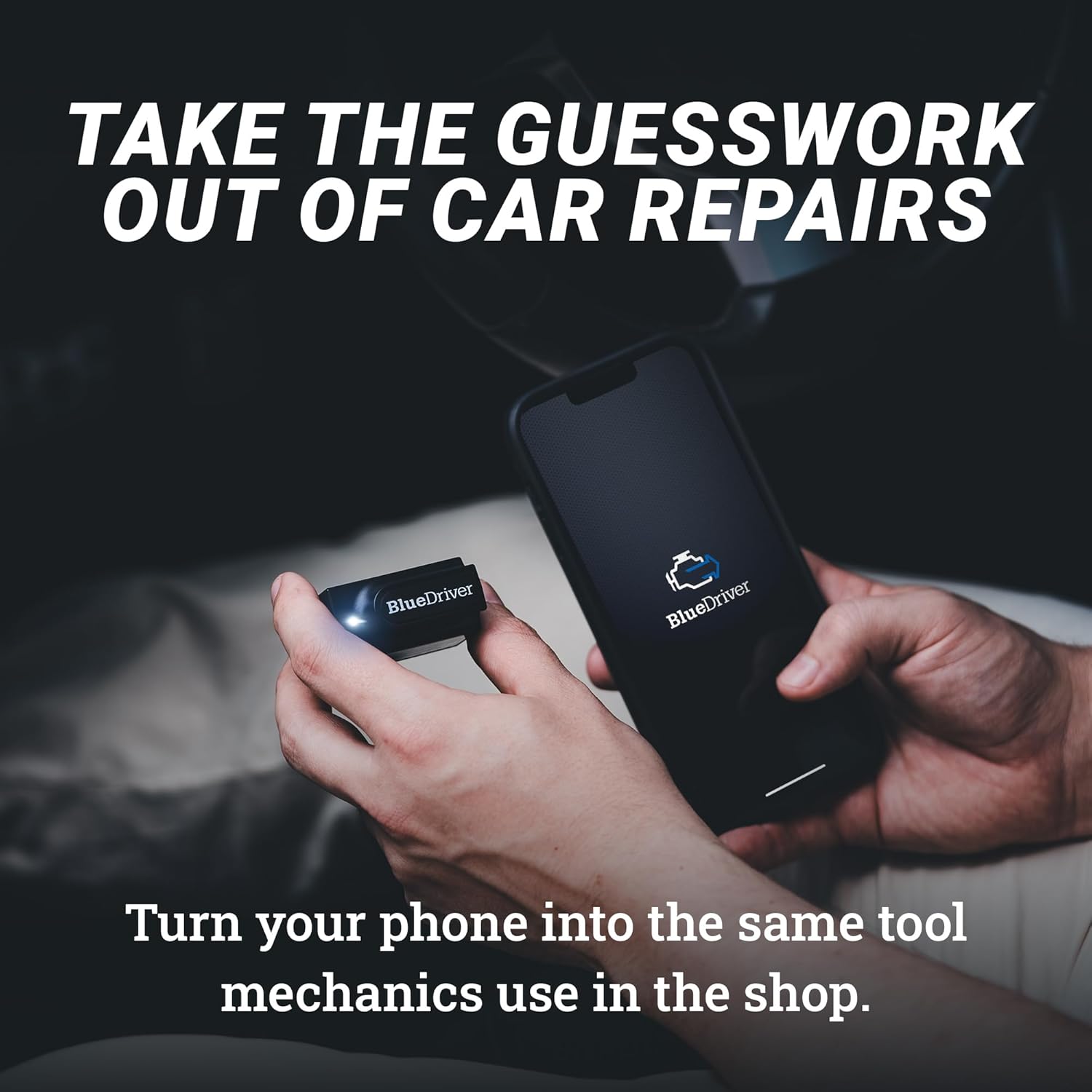
[Pro OBD2 Scanner] – BlueDriver is the easiest way to scan and understand your vehicle like a professional mechanic. Read and clear your car’s trouble codes and check engine light.
[Read & Clear The Codes] – BlueDriver’s enhanced vehicle diagnostics gives you access to information normally available only to mechanics on their OBD2 scan tools. Now you can read and clear ABS, Airbag, SRS, TPMS codes, and many more.
[Get The Right Fix & View Live Data] – Much more than a car code reader, BlueDriver is a diagnostic tool. You’ll get unlimited repair reports with possible causes and fixes, plus real-time health monitoring while you drive with the live data feature.
[Wireless & Bluetooth Enabled] – Say goodbye to wires. BlueDriver connects with Bluetooth via your phone/tablet to a sensor that plugs into your car’s OBDII port. Get all of the capabilities of an expensive code reader & scan tool without any annoying wires.
[User-Friendly App and Repair Videos] – BlueDriver gives you more ways to scan and fix your vehicle. Our iOS & Android app connects you to a large database of repair videos with step-by-step directions of repairs.
[Zero Subscription Fees or Add-ons] – One purchase gets you everything you need with no in-app fees or add-ons. No account required. No sale of personal data.
[Works with All Gas Vehicles 1996+] – BlueDriver is compatible with all gas-powered vehicles made in 1996 or newer. Get advanced diagnostics (ABS, Airbag, SRS, and TPMS) for GM, Ford, Chrysler, Toyota, Nissan, Mazda, Subaru, Mitsubishi, Hyundai, Mercedes, BMW, Honda, and VW. See chart below for more details.
[Unmatched Support] – With 24/7 professional support BlueDriver is there for you anytime, anywhere. Get in touch with our highly trained technicians whenever you need them by phone or the in-app chat.
11 reviews for BlueDriver Bluetooth Pro OBDII Scan Tool for iPhone & Android – No Subscription Fee – OBD2 Car Scanner and Code Reader – Diagnose Check Engine, ABS, SRS, Airbag & 7000+ Issues on Vehicles 1996+
Add a review

$8.99
B –
Excellent product. Easy to use. Well worth it.
Been using mine for 3 years and it has been great. I leave it always plugged into my truck so that it is ready to use if I get a check engine light or even if I’m just curious about how the engine is running.It is well worth having, as it has saved more than its cost in not having to pay for diag time at the shop for minor problems that are easily fixed with an off-the-shelf part or when dropping off for things like the inevitable emissions sensor that goes bad. Being able to tell them “It’s theowing this specific permanent code and it started on this date,” before even taking it in saves paying for that time amd has saved time, as well, as they’ll usually order the parts right then, so they can get it done a day sooner when dropping it off. 👌For any code you get, it tells you what it is, likely fixes for it, and even shows a chart of how many people reported each potential fix as being what resolved the same code for them, PLUS usually a link to buy the part on Amazon if you want to.Also handy for clearing unimportant temporary codes that still throw a MCL/check engine light, since that’s one of the only caution lights vehicles have these days, as well.Aside from problems, it can show you real-time data from the vehicle’s computer for every sensor it has, which is pretty nifty even if you aren’t using it to tune the engine or anything like that. You can gain insights into why maybe the engine feels rough or why it’s not accelerating like you normally expect, for instance, by seeing timing information, engine load values, actual throttle position, fuel flow rate/pressure, more temperatures than you ever thought necessary, and more depending on the vehicle.And using it is a cinch. Just plug it into the ODBII port, fire up the app, and it’ll find the sensor. Then, pick whether you want to see live data, scan for problem codes, add maintenance info, etc. It’ll even show you codes that *don’t* cause a warning light, which can help you get ahead of things before they become expensive problems. And it saves it all in history on your phone that you can export to excel or share with the shop or whoever you want.And it isnt tied to a vehicle, so you can just pop it into any vehicle, tap scan codes, and be done with it when your buddy complains their car is showing a check engine light.Overall a great product and does exactly what it claims. Couldn’t be simpler to use, and has had zero compatibility issues with any Android phone I’ve ever used with it.
Nicholas –
Awesome obd scanner
The device is fantastic. Very small and compact makes it easy and convenient. It connects to phone with minimal issues. The function that it has are amazing. Helped me clear codes and better understand them as well. Definitely a device id buy again again.
adnan nazir –
amazing product
Honestly, don’t think twi,ce this is the best. I have used a couple of others from different companies this worked perfectly in my car (Prius 2010). Easy to use, and the UI of the app is clean. For someone like me who doesn’t know a lot about the inside, this is a lifesaver.
B. Colonna –
Good With A Few Quirks
I’ve been using an older scanner by Autel for several years. While it works well, it does not do any advanced diagnostic like ABS, SRS, etc.I got the BlueDriver for that reason. It’s simple to set up. Just download the phone app, connect the BlueDriver to your car scanner port, start the car, and you’re off. The BlueDriver uses BlueTooth LE so you will actually pair it within the app, which I think it easier than native pairing.The first car I tried it on is my 2004 Lexus ES330. The app gave me a message that this car does not allow the VIN to be read. Funny, because my Autel read it. Anyway, I had to manually input the VIN, which ended up with the app identifying the car as a Lexus ES300.I wanted to scan all codes so I selected that option; the first scan took a good 14 minutes.The second scan took slightly less time, about 12 minutes. Far longer than the Autel but again it was scanning multiple systems.I had a code ai wanted to erase (I knew it was coming back but I wanted to test the scanner). It took a really long time to complete the clean process, another 10-12 minutes.When I ran the second clean process, after allowing the code to return, the process seemed to be going quicker but then suddenly went back to “cleaning 0%”.Then the device said it wasn’t connected to a car. I had not moved from the car or shut the car so that was a connection glitch.I had to pull the scanner, shut the car, and reconnect.The scanner is decent, although it can take a long time, especially doing a full scan. I was hoping I could just choose something like SRS, but I didn’t see that option by itself. So I had to run full diagnostics when I was interested in one thing.So, it’s a nice little tool and not high priced, but it could be improved.
Robert B. –
Great codes reader that is very easy to use
Purchased this on sale and it works great on my 2007 Tahoe. I was able to pull codes when the check engine light came on recently and was able to review all codes and clear any i wanted too. Very easy to use with app downloaded from the android app store.
Sr. Banks –
Saved me from nearly buying a lemon truck
I have bought several OBD scanners at Autozone, but they don’t really tell you as much as this little thing does.This little thing saved me from buying a lemon truck, it kept on showing me that there was a serious issue with the trucks computer. Dealer denied it, and “fixed” the issue but I reset the trucks computer and Bluedriver kept on telling me that the computer system had an issue. THANK YOU!The app is amazing, I no longer have to search up codes on the browser, it practically tells you everything you need on the app.Bluetooth is great, once you set it up, it picks it up instantly. I would highly suggest you picking up one of these little things. It could end up saving you thousands or from buying a lemon car! Price is great , and no subscription to use the app, how about that!
وليد –
يعطيك انذارات ما تطلع بالقطع العادية ولا بشاشة السيارة وتطبيقهم يوضح لك القطعة الخربانة و الاسباب الممكنة
Leong Fook Sheng –
Good gadget to have for all driver to monitor the car performance….
Ben –
Heb er een airbagprobleem mee opgelost,,een reparatie die je zonder uitlezen van de storing niet zelf kan. De meeste obd2 hobby scanners lezen de airbag data niet uit, deze dus wel ,en met succes . In mijn geval heeft de bluedriver zichzelf terug verdient .. Ook een paar oude ABS storing codes mee kunnen wissen. DISCLAMER……Overigens moet je bij het werken aan airbagsytemen sowieso weten wat je doet ivm gevaar van afgaan van de airbags als je het verkeerd doet, bij twijfel NIET zelf doen….
Jagger –
Amazing scanner and diagnostics tool for the price. Can show live data from the car plus scan more than just engine codes. Scanning the full system takes a solid 5 minutes if you have multiple codes but besides that it works perfect and the app is easy to use. No cord is also nice.
Shoyab –
Thanks