
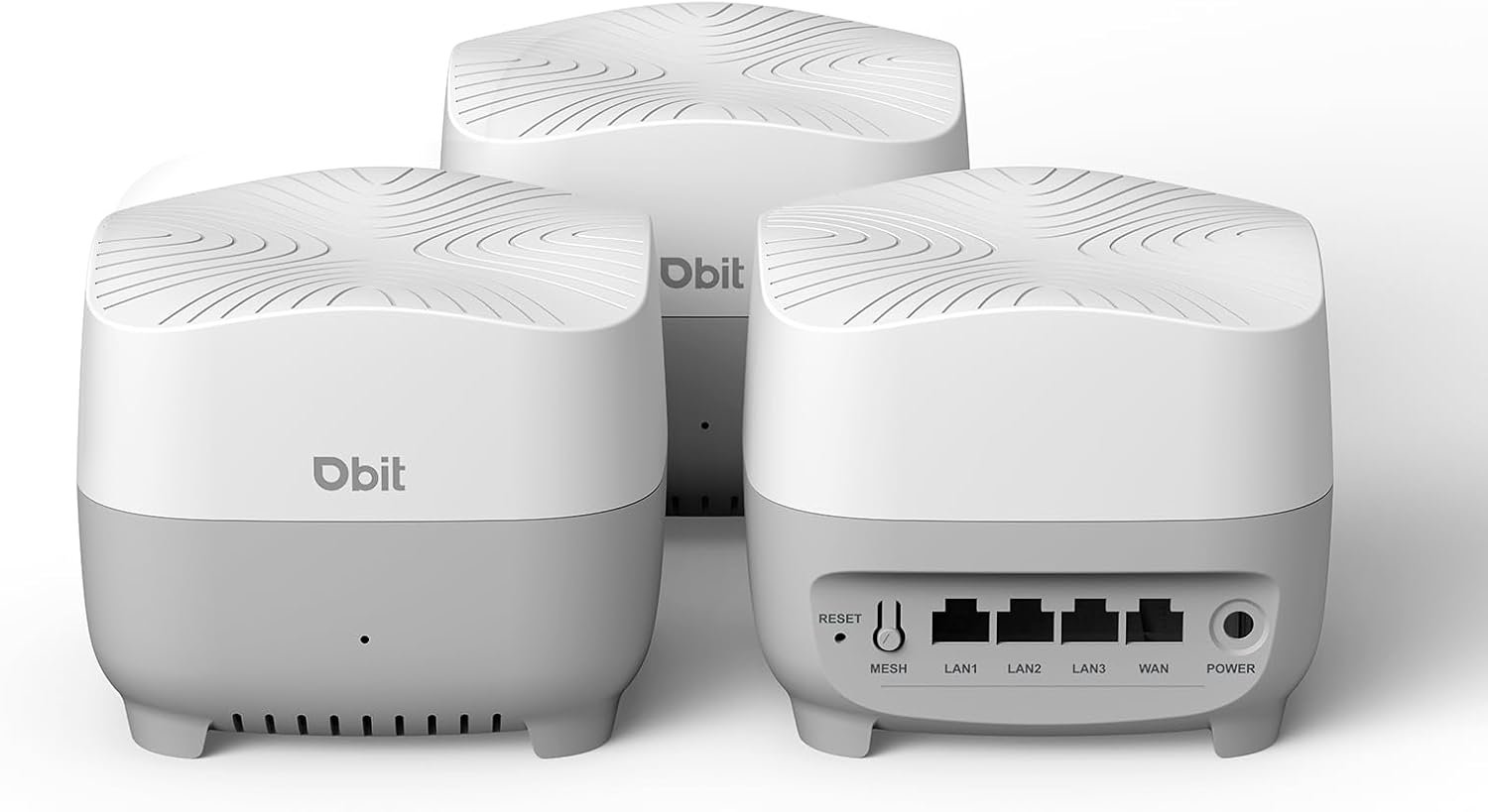
DBIT AX1500 WiFi 6 Mesh Wi-Fi System | 5,600 Sq Ft Coverage & 120 Devices | Dual-Band, Seamless Roaming, Parental Controls | Replaces Wireless Router and Extender | 4 Gigabit Ports Per Unit (3-Pack)
$13.49
Related Products





Product description
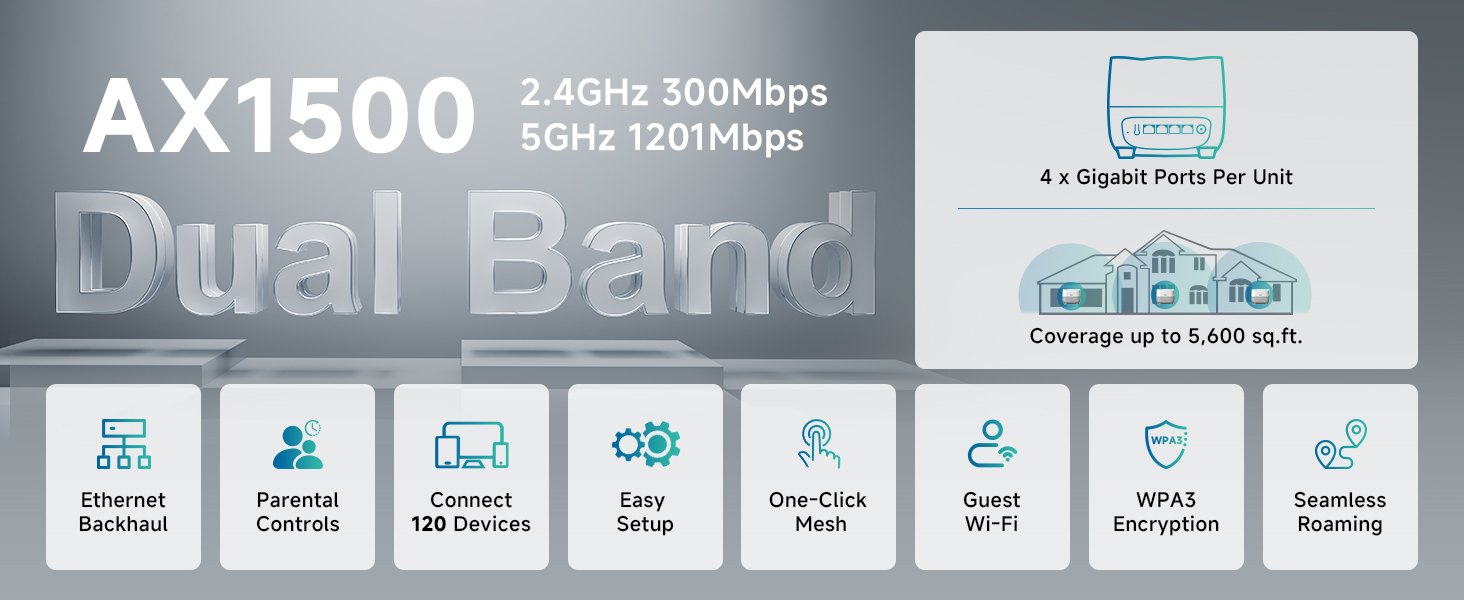
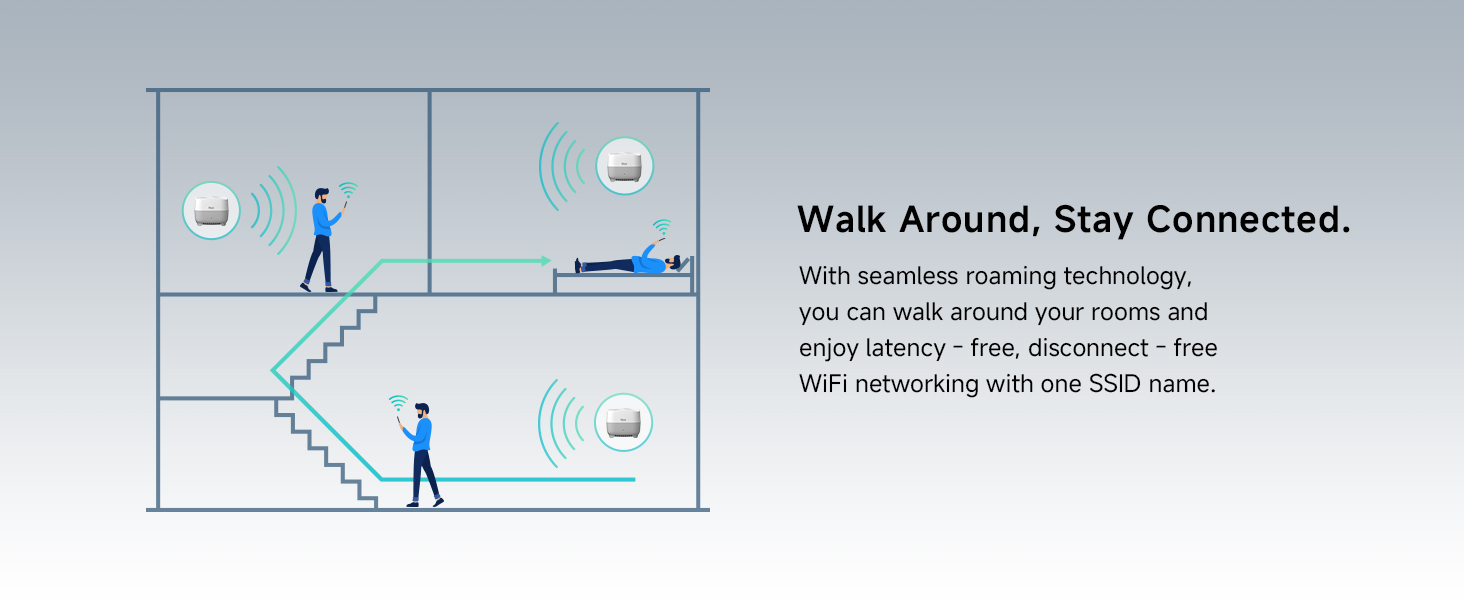

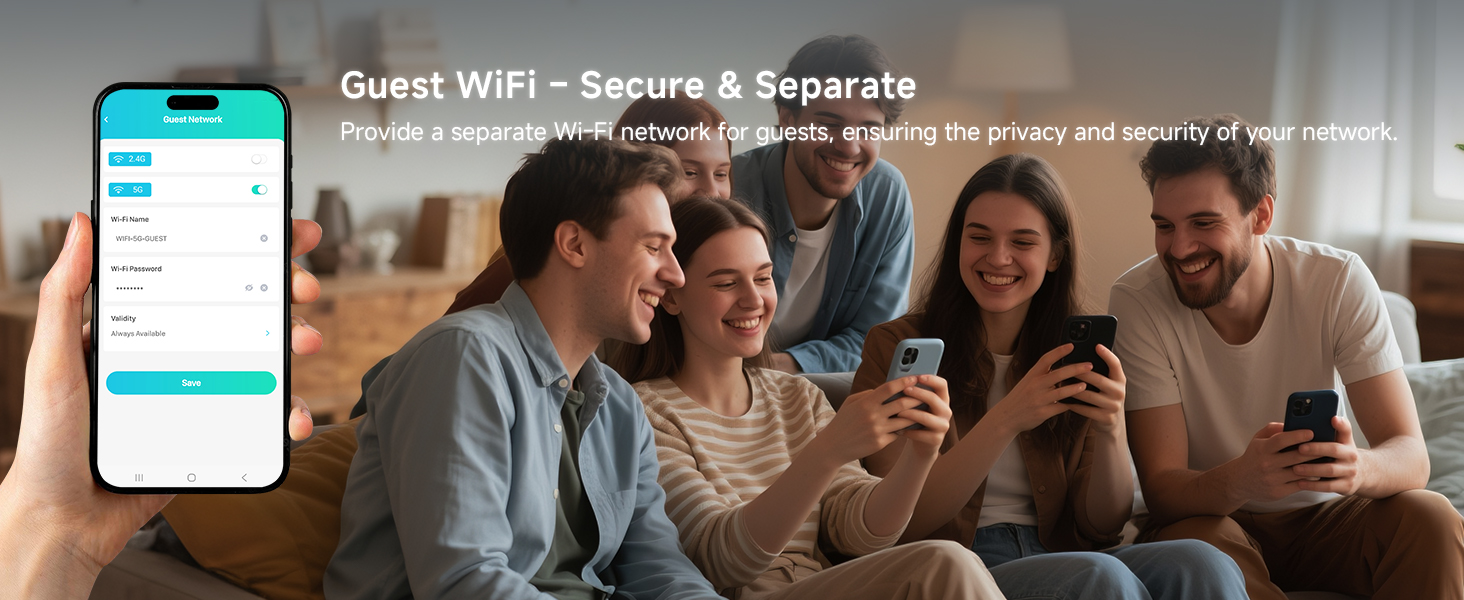
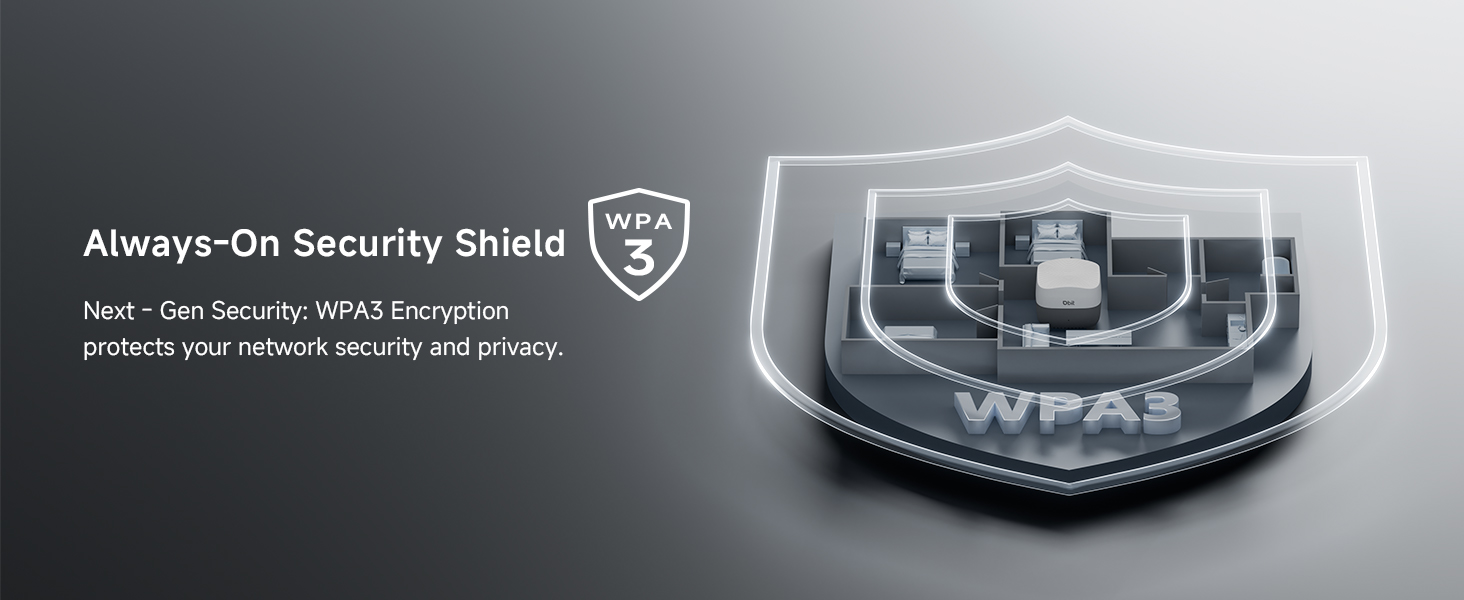
1 Dual Band Wi-Fi 2 Connect More Devices 3 Parental Controls 4 Guest Network 5 WPA3 Encryption
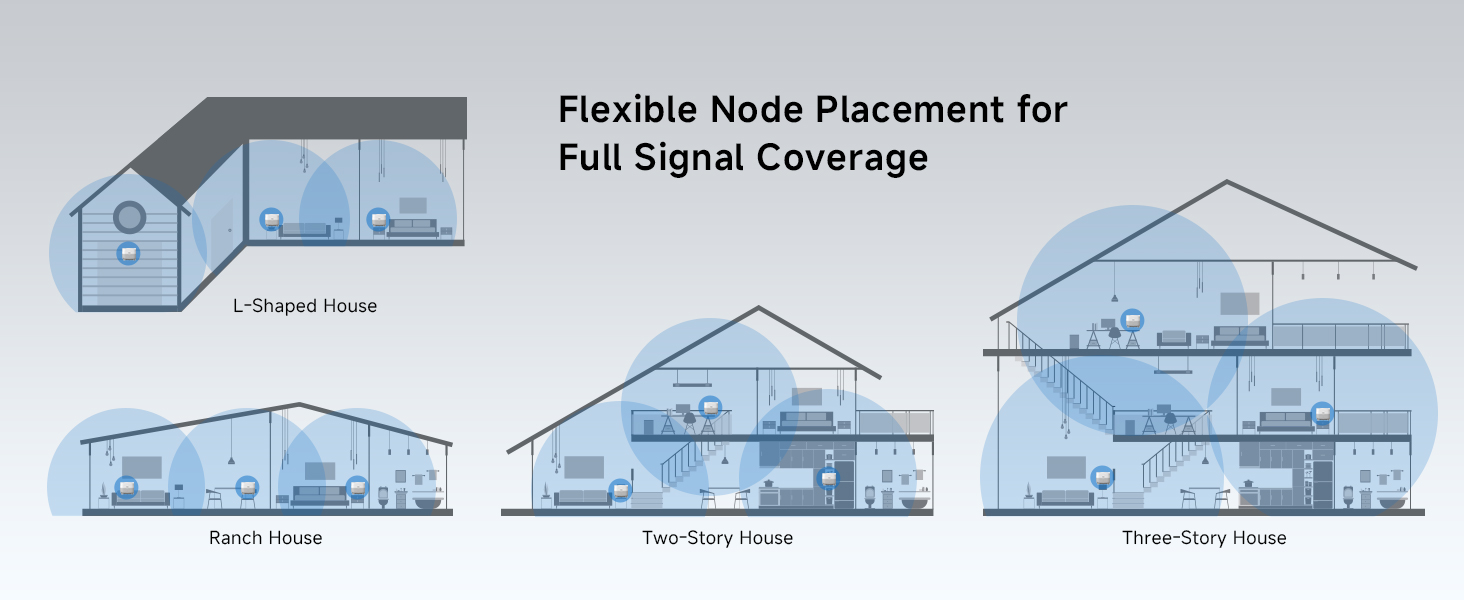

1 Flexible Placement
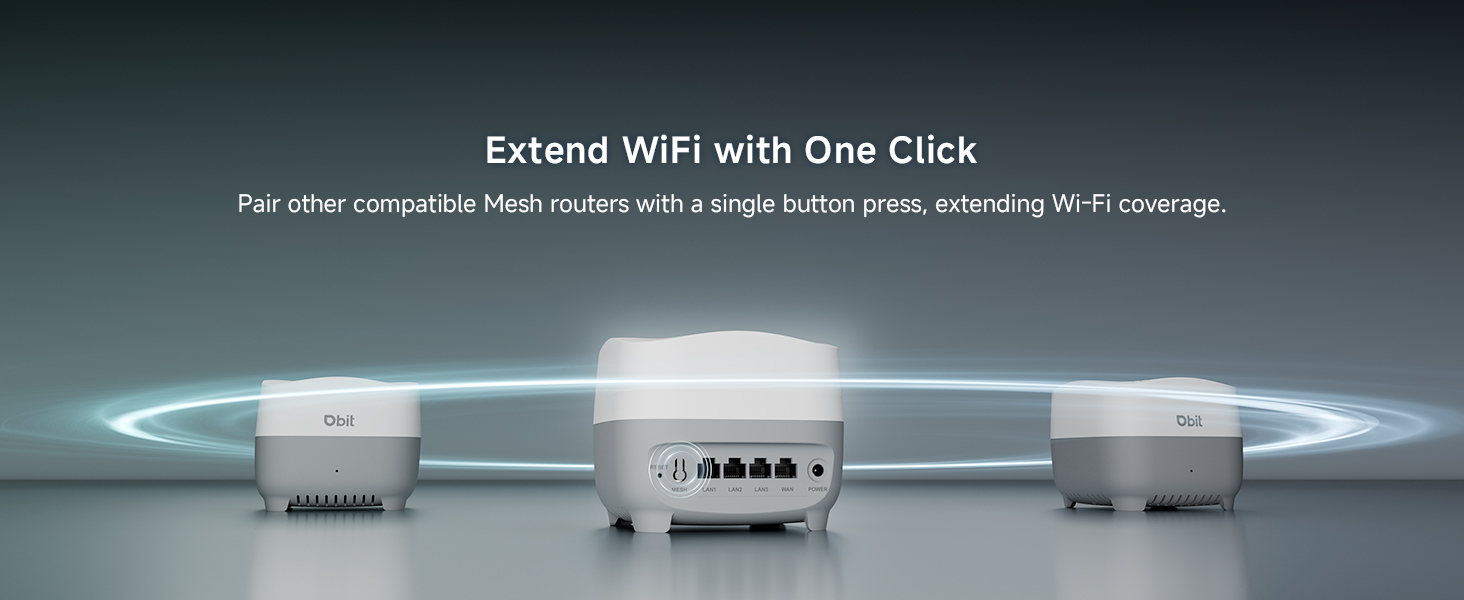
2 One-Click Mesh
3 Easy Setup
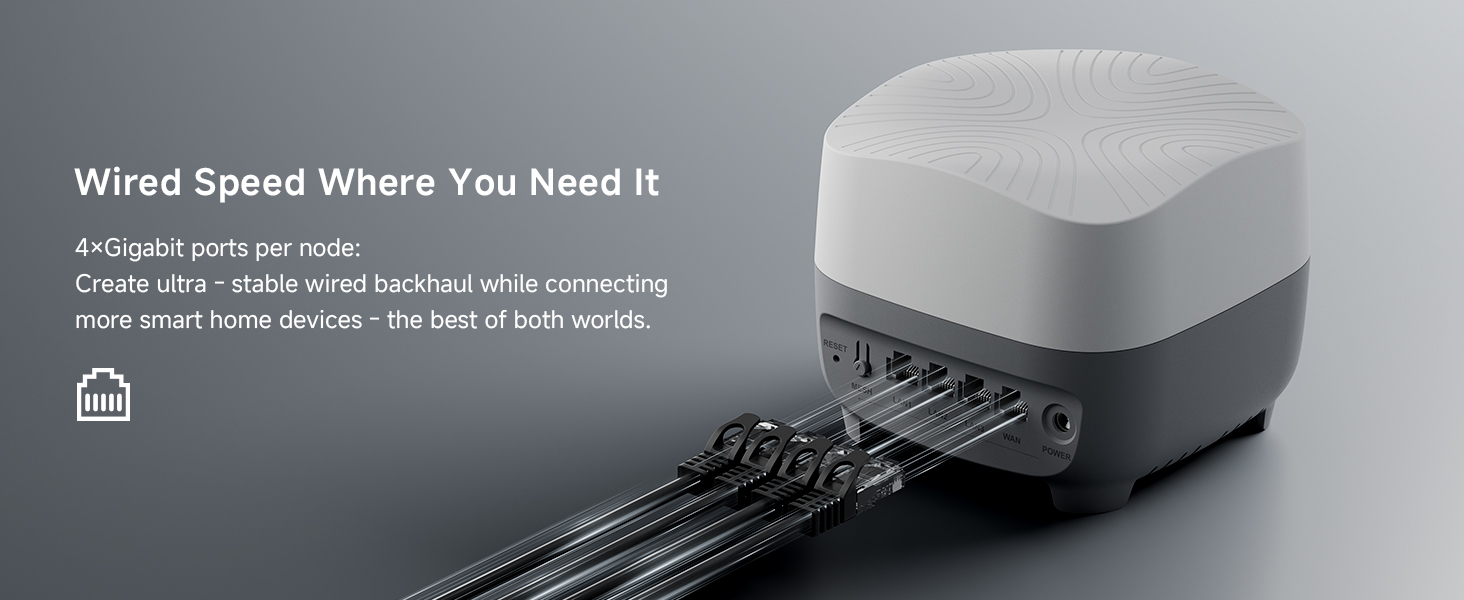
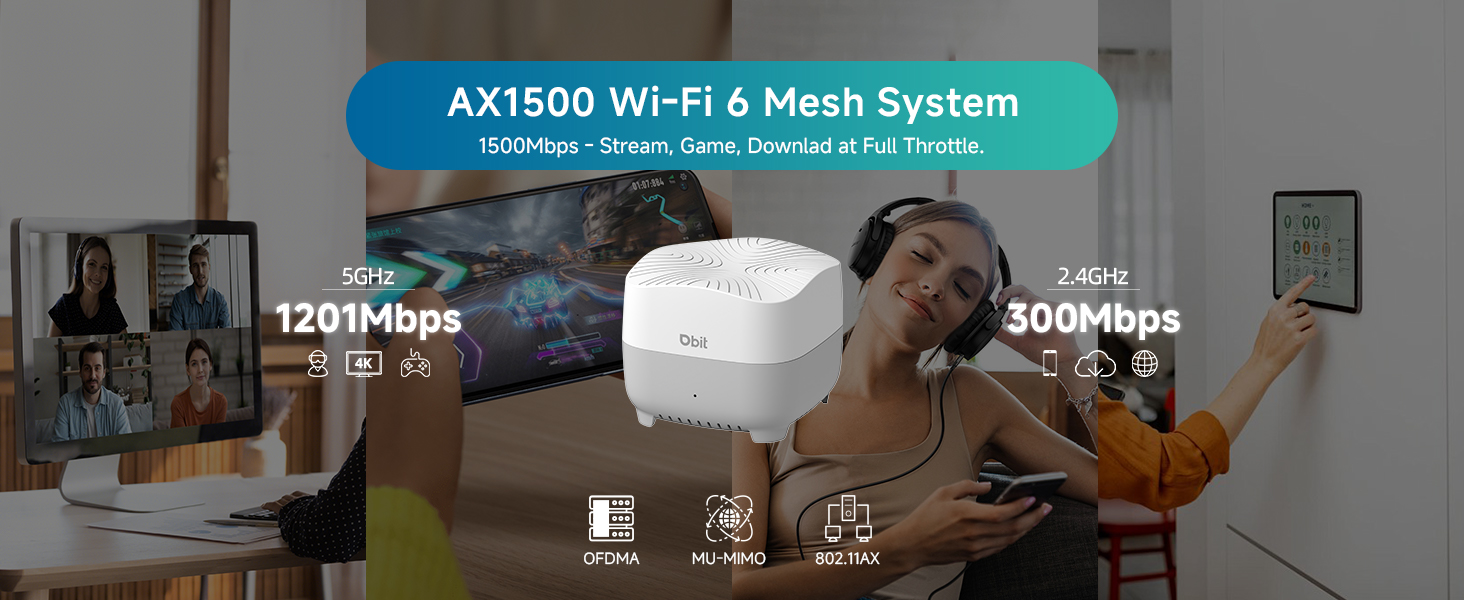
𝐖𝐢-𝐅𝐢 𝟔 𝐀𝐗𝟏𝟓𝟎𝟎 𝗦𝗽𝗲𝗲𝗱𝘀 & 𝗠𝗼𝗿𝗲 𝗚𝗶𝗴𝗮𝗯𝗶𝘁 𝗣𝗼𝗿𝘁𝘀: Deliver combined wireless speeds up to 1500Mbps (300Mbps on 2.4GHz + 1201Mbps on 5GHz) for lag-free 4K/8K streaming, gaming, and video calls. Each node includes 4 Gigabit Ethernet ports to connect wired devices like smart TVs, gaming consoles, or PCs for maximum stability
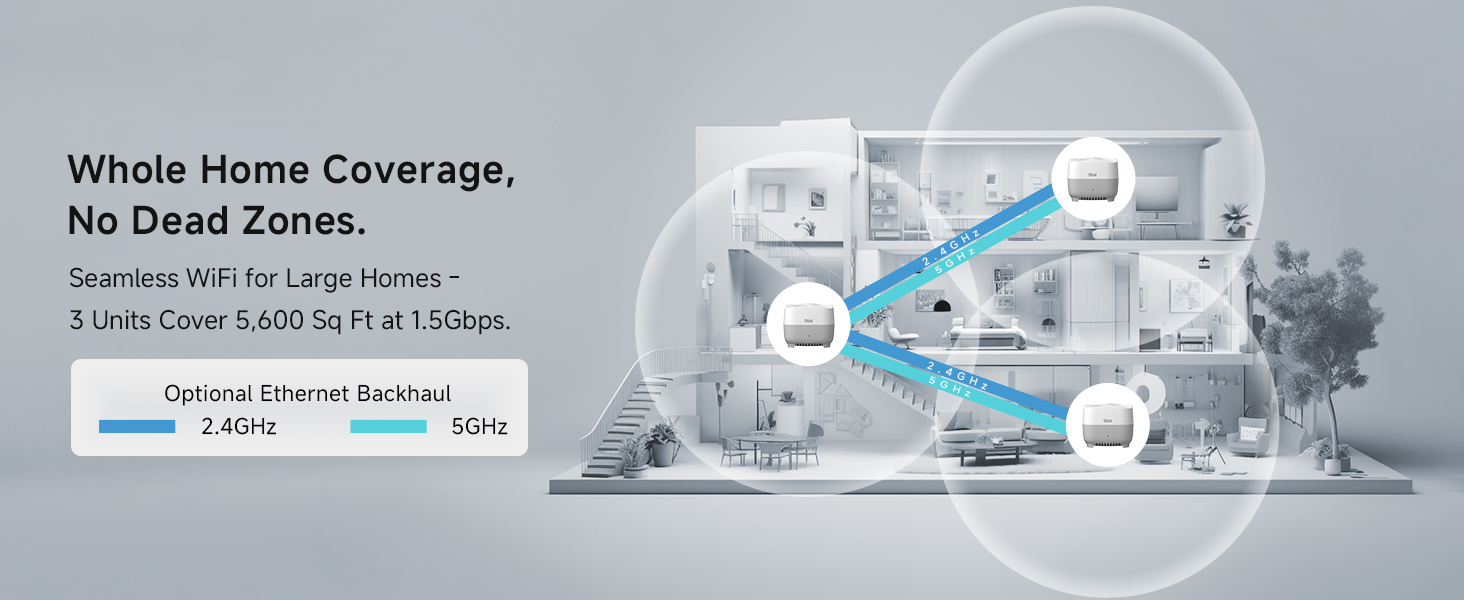
𝗪𝗵𝗼𝗹𝗲-𝗛𝗼𝗺𝗲 𝗦𝗲𝗮𝗺𝗹𝗲𝘀𝘀 𝗖𝗼𝘃𝗲𝗿𝗮𝗴𝗲: Enjoy ultra-stable Wi-Fi in every corner with the AX1500 Mesh System 3-Pack, eliminating dead zones across large homes (up to 5,600 sq ft). With smart roaming technology, your devices switch smoothly between nodes without dropped connections—a superior solution compared to standard WiFi boosters and extenders
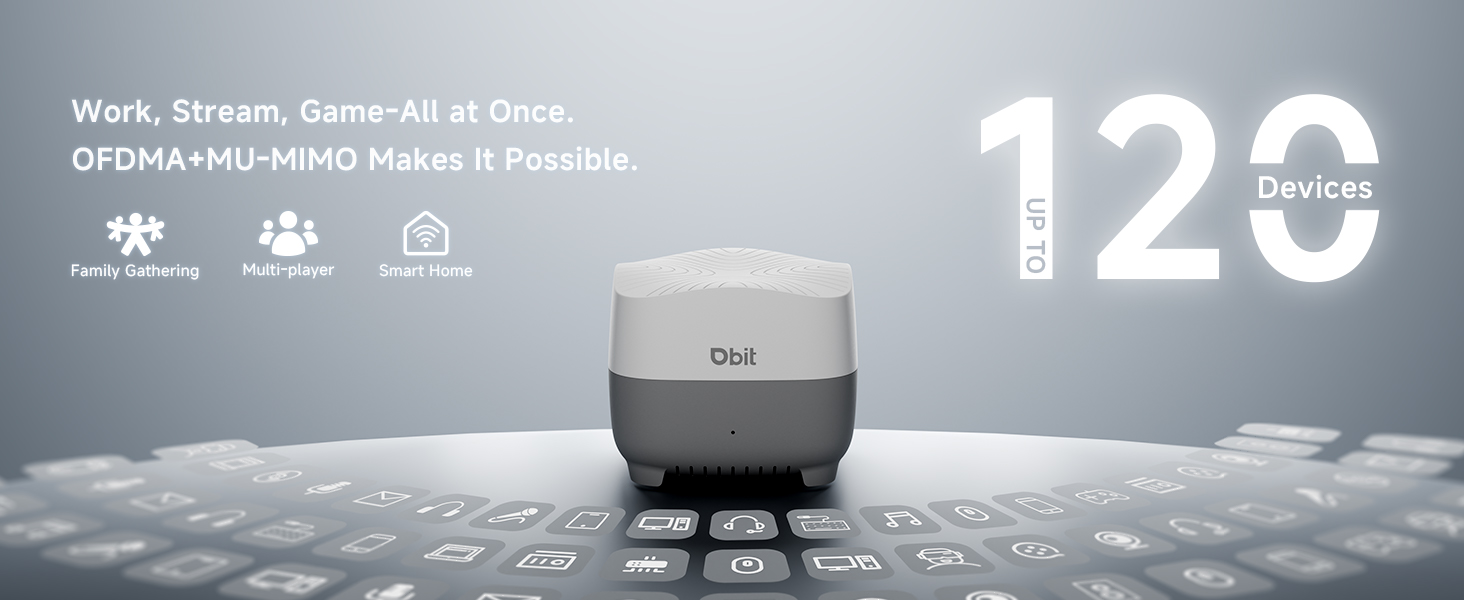
𝗛𝗶𝗴𝗵-𝗖𝗮𝗽𝗮𝗰𝗶𝘁𝘆 𝗖𝗼𝗻𝗻𝗲𝗰𝘁𝗶𝘃𝗶𝘁𝘆: Effortlessly support 120+ simultaneous connections without lag – perfect for smart homes, offices, and gaming setups. Our advanced mesh technology maintains blazing-fast speeds even when multiple devices are streaming 4K/8K, gaming online, and video conferencing at the same time
𝗙𝗹𝗲𝘅𝗶𝗯𝗹𝗲 𝗘𝘅𝗽𝗮𝗻𝘀𝗶𝗼𝗻: Easily extend coverage to outdoor areas, attics, or hard-to-reach spaces by adding more nodes wirelessly. Perfect for large homes, multi-story buildings, and complex layouts—delivering seamless whole-home coverage
𝗔𝗱𝘃𝗮𝗻𝗰𝗲𝗱 𝗡𝗲𝘁𝘄𝗼𝗿𝗸 𝗣𝗿𝗼𝘁𝗲𝗰𝘁𝗶𝗼𝗻: Safeguard your entire mesh network with enterprise-grade WPA3-SAE encryption, proactively blocking unauthorized access and cyber threats. The isolated guest network maintains complete separation, allowing visitor access while protecting your main network, smart home devices, and sensitive data
𝐄𝐚𝐬𝐲 𝐒𝐞𝐭𝐮𝐩 𝐚𝐧𝐝 𝐌𝐚𝐧𝐚𝐠𝐞𝐦𝐞𝐧𝐭: Get your network running in minutes through the intuitive mobile app or web GUI. Make Wi-Fi settings, set parental controls, create guest networks, and add mesh nodes—all from your smartphone or PC. In addition, the units also support one-click networking, a new node can be added to existing network via the Mesh button
𝗣𝗿𝗼𝘁𝗲𝗰𝘁 𝗬𝗼𝘂𝗿 𝗙𝗮𝗺𝗶𝗹𝘆 𝗢𝗻𝗹𝗶𝗻𝗲: Through parental control features, automatically block harmful content, balance screen time, and keep all home devices kid-safe with one simple solution
𝗨𝗻𝗶𝘃𝗲𝗿𝘀𝗮𝗹 𝗜𝗦𝗣 𝗖𝗼𝗺𝗽𝗮𝘁𝗶𝗯𝗶𝗹𝗶𝘁𝘆: Seamlessly connects to your existing cable modem (or standard ISP gateway) to replace your old WiFi router. Works with most major U.S. internet providers – set up in minutes without technician visits (note: compatibility varies by ISP plan)
7 reviews for DBIT AX1500 WiFi 6 Mesh Wi-Fi System | 5,600 Sq Ft Coverage & 120 Devices | Dual-Band, Seamless Roaming, Parental Controls | Replaces Wireless Router and Extender | 4 Gigabit Ports Per Unit (3-Pack)
Add a review

$13.49
Gregory A Northwoods –
Instant setup, blows my Wyze mesh away!
Very satisfied with this system so far. Replaced a mesh system from Wyze, because the units were hot to the touch and the coverage was lacking. As soon as the primary unit from this system connected, my security cameras all pegged at 5 bars when before the units furthest from the unit had 1-3 bars. Once the other two secondary units were synced, I have Wi-Fi all the way to the road, which is a good 200 feet away. I also like that these units stay cool to the touch. Also like the multiple LAN ports on each unit. The only bugaboo is that the setup instructions incorrectly say the default password is “admin” but that will not even allow the “submit” button to illuminate. If you use the default password 1-2-3-4-5-6-7-8-9 as printed on the tag on the units, you’ll be good to go!
Osmany –
Powerful Wi-Fi 6 Hardware, But Not for Networking Beginners
This mesh system is a truly impressive piece of hardware that delivers on its performance promises. The AX1500 speeds on the 5GHz band are very good, and the unit performed as expected under a heavy load from multiple streaming and gaming devices. As a single node, it effectively eliminated dead zones in a small to medium-sized home, and the signal strength at the edges of the coverage was strong and fast enough for browsing. It handled a house full of smart devices, phones, and computers very well, remaining stable and responsive throughout.Two of the best features are the ports and the design. The inclusion of four Gigabit Ethernet ports is a significant advantage, and they all deliver a stable, high-speed wired connection, perfect for a gaming console or PC. Physically, the design is one of the things I like most; it’s small, manageable, and quite light, with a good, modern design that blends discreetly into the home.However, the major drawback of this device is the setup. The “Easy Setup” promise is not met for an average user. It is not an intuitive process; if the person doesn’t have at least basic networking knowledge, it will be a bit difficult for them. In conclusion, if you have some technical experience, this is a 5-star mesh router with fantastic performance and features for the price. But if you are a beginner expecting a simple plug-and-play setup, be prepared for a challenge.
Thi Huynh –
No more black spots
Works well
James –
Not A Primary Router, Use Only Behind Separate Firewall
So overall this Wifi – I will call it an access point- works really well. I was able to get Wifi 6 bands without issue, and the speed of my connection was overall acceptable. I would recommend getting a different ethernet cable from the one that comes in the kit as the cable was limiting my overall speed to 500 Mbps, once I swapped with a different CAT6 cable i was hitting 8-900 Mbps no problem. It was overall fairly easy to setup – the Vlan ID you will need to connect to for the gateway interface is Vlan 10 – (I.E 192.168.10.1) to get to the web interface. A critical step is to remember to change the gateway defult password and username. From the web interface you can set up Vlans, change your SSID’s. The reason I am knocking two stars on this review is the ethernet cable limiting speed and secondarily the “Firewall” on this device, or the lack thereof. There is no configurable rules that I can find and no place to install IDS/IPS. If you can put those features on a computer in your network and use the computer as a passthorugh it would work fine. However, I by no means would hook this directly up to my modem and leave all my devices exposed to the internet at large. Simply put, this is not a replacement for a regular router with a true firewall but a great and afforable little range extender or access point to sit behind a gateway.
Carlos Montoya –
Cumple su funcio
Karen Cephus –
Did not work
Did not work
Will –
Very affordable for the tech included. Can mesh numerous DBIT routers together.
As a network enthusiast having tested many routers, this is a really good value (like tech for cost) mesh router system for apartments and multifloored homes that have more square footage vertically than horizontally. For multifloored homes, this router has a “Through-Wall Mode” that can be toggled, which amplifies the Wi-Fi signal its sending. For single floor ranch-style homes, there’s only so much distance horizontally you can cover with 2 routers, so if your home is a larger footprint, you may need to buy multiple DBIT routers. The plus is this Wi-Fi has the ability to add multiple DBIT routers in the future as a Mesh, a feature that I highly covet as future proofing my home as I add more devices, but it’s also currently suitable for someone with a really spacious home.While DBIT has stronger routers, this AX1500 Wi-Fi 6 model is more ideal for setting up a smart home network of smart switches, smart plugs. The 1201Mbps and 1G ethernet are more than enough for 500Mbps or 1Gig High Speed Internet plans as long as you’re close to the main router, or either router if you’re doing an ethernet backhaul. As you go farther away, you’ll naturally experience speed drops as expected. I’m using a 500Mbps plan, and I actually get about 570Mbps on my Wi-Fi 6 phone in the same room as the main router. I’m using a wireless backhaul for my mesh, and with a distance of about 30 feet from the main router and 5 feet from the mesh router, my speed drops to about 370Mbps. Still very respectable for streaming and general high speed needs. So if that’s all you need, this is a great deal.I plan to use this as a separate network for all my smart devices, because where this shines is in its overall reach at the 2.4g bandwidth. I was still getting a Wi-Fi signal on the street at a distance of roughly 100 feet from the main router at 30Mbps. That means for smart switches, plugs, and maybe security cameras that run on 2.4g, this would provide a very stable connection. I’ve set this to use a different channel on the 2.4g and 5g bandwidths to not cross-talk or interfere with my primary system.Tips for others, as the manual included is a quick service guide that does simplify the set up process but doesn’t go into customization details: (1) the app MU-LINK referenced in the guide is good for setting up your mesh, and setting basic configurations such your main router to be in bridge/repeater mode and naming your Wi-Fi signals, but you want to go to the IP address of your router via a browser to really customize the intensity, the bandwidth density, and the frequency channel of your 2.4G and 5G networks. (2) Also, the default Wi-Fi passwords are listed on the bottom of the routers, and you need it during initial setup to connect to your routers in the MU-Link app.Overall, I recommend this router as an easy to set up and very affordable solution that meets the needs of most people with high speed internet.