

Google Nest Thermostat – Smart Thermostat for Home – Programmable Wifi Thermostat – Charcoal
$21.99
Related Products





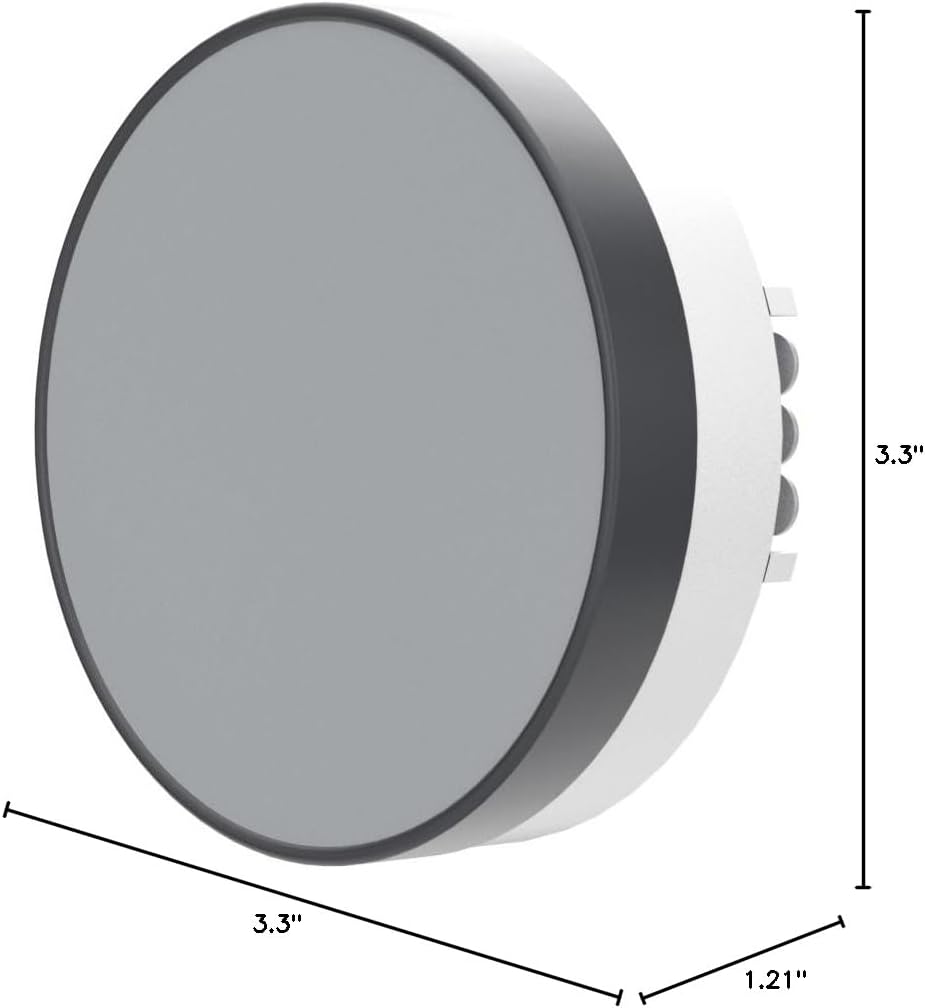

Meet the Google Nest Thermostat, the smart thermostat at a cozy price. It can turn itself down, so you can save when you’re away, and it’s comfortable when you come back home.[1] You can control it from anywhere using the Google Home app – whether you’re running errands or in bed.[1] And it’s designed to install yourself, usually in 30 minutes or less. [1] Remote control and mobile notifications require working internet and Wi-Fi. [2] Alerts can notify you of a potential issue with eligible HVAC systems. They’re meant to provide helpful information, not an endorsement, representation, or warranty of any kind about the health of your HVAC system. Alerts aren’t intended to replace a diagnosis by a qualified HVAC professional. [3] Voice control requires a compatible device, and working internet and Wi-Fi. [4] ENERGY STAR and the ENERGY STAR mark are registered trademarks owned by the U.S. Environmental Protection Agency. [5]Nest Renew requires 3rd generation Nest Learning Thermostat, Nest Thermostat E, or the newest Nest Thermostat (sold separately), connected to a Google account. Only available in areas served by major continental US grids. Only available for customers on certain electric utility time-of-use rates. Learn more at support.google.com/googlenest/answer/11156316. [6]Adjustments only shift electricity usage from your heating and cooling.
ENERGY STAR certified smart thermostat for home that helps you save energy and stay comfortable.Connectivity : Wi-Fi – 802.11b/g/n 2.4 GHz, 802.11a/n 5 GHz Wi-Fi., Wireless interconnect : Bluetooth Low Energy Please refer to the product description section below for all applicable legal disclaimers.Product note: You can also check your system’s compatibility before purchasing a Nest thermostat with our online Nest Compatibility Checker on the Google Nest support page
The Nest Thermostat is designed to work without a C wire in most homes, but for some systems, including heating only, cooling only, zone controlled, and heat pump systems, you’ll need a C wire or other compatible power accessory
Nest Thermostat turns itself down when you leave, so you don’t waste energy heating or cooling an empty home. Lock feature: No
Programmable thermostat that lets you create an energy efficient schedule in the Google Home app on your Android or iPhone
Remote control lets family members change the thermostat temperature from anywhere on a phone, laptop, or tablet[1]
Savings Finder looks for more ways your thermostat can help you save, and suggests tweaks to your schedule in the app; check with your energy provider to learn more about rebates and more ways to save on a Nest thermostat
Smart thermostat with HVAC monitoring, which looks out for your heating and cooling systems; sends an alert if something doesn’t seem right, along with helpful reminders to make maintenance easier[2]
Control Nest Thermostat with Google Home and other smart home platforms. Compatible with Google Assistant and all Matter-certified voice assistants. Voice control requires a compatible smart device.
Connectivity : Wi-Fi – 802.11b/g/n 2.4 GHz, 802.11a/n 5 GHz Wi-Fi., Wireless interconnect : Bluetooth Low Energy
Please refer to the product description section below for all applicable legal disclaimers
7 reviews for Google Nest Thermostat – Smart Thermostat for Home – Programmable Wifi Thermostat – Charcoal
Add a review

$21.99
B.King –
Temp uP
I recently installed the Google Nest Thermostat in my home, and while it has proven to be a reliable and efficient device overall, there were a few initial setbacks that required professional assistance. Here’s my review based on my experience:Installation and Setup: 3/5The installation process for the Google Nest Thermostat was relatively straightforward, thanks to the instructional video provided. However, I encountered difficulties during the setup that only resulted in the fan turning on rather than the complete functioning of my AC system. As a result, I had to seek professional help to rectify the issue. It would have been helpful if the setup instructions were more comprehensive and addressed potential troubleshooting scenarios.Performance and Functionality: 4/5Once the installation and setup issues were resolved, the Google Nest Thermostat performed admirably. It effectively regulated the temperature in both my upstairs and downstairs areas, providing a comfortable environment throughout my home. The thermostat’s ability to learn and adapt to my preferences over time was a notable feature that enhanced its functionality.Connectivity and Internet Dependency: 3/5One aspect that proved to be a challenge was the dependency of the Google Nest Thermostat on a stable internet connection. In instances when my internet was down, the device experienced numerous issues. It would have been beneficial if the thermostat had more robust offline capabilities to ensure uninterrupted operation even without an internet connection.User-Friendliness and Interface: 4/5The user interface of the Google Nest Thermostat is intuitive and easy to navigate. The device offers a sleek and modern design, with a clear display that provides relevant information at a glance. Controlling the thermostat through the mobile app was convenient and straightforward, allowing me to adjust settings remotely.Energy Efficiency: 4/5One of the key advantages of the Google Nest Thermostat is its energy-saving capabilities. By automatically adjusting the temperature based on occupancy and learning from my usage patterns, it helped optimize energy consumption in my home. This feature not only benefits the environment but also saves money on energy bills in the long run.Conclusion:Overall, the Google Nest Thermostat is a reliable smart home device that effectively regulates temperature and offers energy-saving benefits. However, the initial installation and setup process proved to be more challenging than anticipated, requiring professional assistance. Additionally, the device’s dependence on a stable internet connection may present issues during internet outages. Despite these hiccups, once properly installed and connected, the thermostat performs admirably and provides an intuitive user experience.
Matt –
It works and was a great price with utility rebate
I bought this when it went on sale and also discovered that PG&E offers a $50 rebate. This made it a no brainer to replace the lousy Honeywell thermostat I’ve been wanting to replace for a while.It’s works good, was easy to install, and does a better job than the Honeywell it replaced. No issues with WiFi connection or app servers being flaky or down. I like that it also has trends showing how long it runs during each day, a nice addition would be temperature and humidity trends too.Some things to be aware of:1. Google owns Nest, so this “Nest” thermostat will only work with the Google Home app and not the Nest app. I have another Nest device that only works on the Nest app. It is annoying as I would prefer they work in either one app or the other or have the option to move both into one app, but it’s not world ending. I found the Home app to be just fine, but a couple of things like where to access and edit the schedules could be more intuitive.2. You can remove your existing thermostat, note the way it is wired, and check to make sure this is compatible with what you have on their website before you buy it.3. This will only support 2-stage heat OR 2-stage cooling, not both. If your system has both this isn’t going to provide you with ideal results and I suggest buying something else.4. The installation manual is using the Home app to scan the QR code on the thermostat. It does a decent job stepping through the installation process and will even connect the thermostat to your WiFi for you. However I did run into an issue with the wiring diagram it provided with my 2-stage gas heating, I answered “yes” to “does your thermostat have two sets of labels” or something along those words, and it mismatched the labeling on the 2-stage heat wire. I went back to the question and said “no” and the wire label was then correct. This was more of an annoyance to me, but I could see this potentially causing unnecessary headaches for someone unfamiliar with thermostat wiring.5. Make sure you have the C-wire, or if you don’t have it get the C-wire adapter kit they offer. From some of the reviews if you don’t you’re going to have a bad time. Mine has the C-wire as most newer HVAC units do so wasn’t a concern for me.6. It was actually very easy to add other household members in to allow them access to the thermostat in the Home app and have it track if they are home or not for it to automatically go into Eco Mode if it detects everyone is gone. I haven’t yet enabled this feature so I can’t say how well it works yet.
Murat Gürsoy –
Olurda benim gibi Türkiye’den sipariş edenler için yazıyorum bu ürün şu an sadece U.S deki sistemlerle uyumlu. EU ve TR için heat link adında kombiye bağlanan bir sisteme ihtiyaç var GEN 3 ürününde olduğu gibi. Bu üründe heat link çıkmadığı için bizdeki sistemlerde çalışmıyor.
Amazon Customer –
If you rely on apps, this is for you. Adjusting at the actual stat on the wall in person isn’t the most user friendly tho. There’s no markings on the side that tell you where to touch to change between heat and cool, warmer cooler etc. If you’re intuitive you’ll still be fine, if you’re not intuitive playing with tech and you don’t want to use the app on your phone when you want things warmer or cooler then you’ll probably hate it. Be aware. Personally I love the app, find it extremely convenient and user friendly even for people who don’t like tech, and in the last year have touched my actual stat zero times. I don’t like the look of the other metal ringed nest model but that one does have a typical hands on adjustment style so consider that if you don’t like apps and using your phone.I really like this faded rose color in person but biggest complaint is if you have to cover up old screw holes, unpainted area, or over cut hole from old stat and need to use an optional backplate there’s no matching backplate color. This rose directly on the wall is very nice, but put it on a white plastic backplate and I find it looks tacky. If you need a backplate then get matching white stat.Compared to any other thermostat option currently available I would still make the same purchase and get this nest version again
Ankgng –
Everything works perfectly well
Ernesto –
Decided to buy the new budget Google Nest based on customer reviews and so far is exceeding expectations – interface is simple to use and the product is really good! Would be great if Google adds more features in the near future. Really recommended!
tim –
Can’t use it, missing part