

Logitech MX Keys Mini Minimalist Wireless Illuminated Keyboard, Compact, Bluetooth, Backlit, USB-C, Compatible with Apple macOS, iOS, Windows, Linux, Android, Metal Build – Graphite
$9.99
Related Products





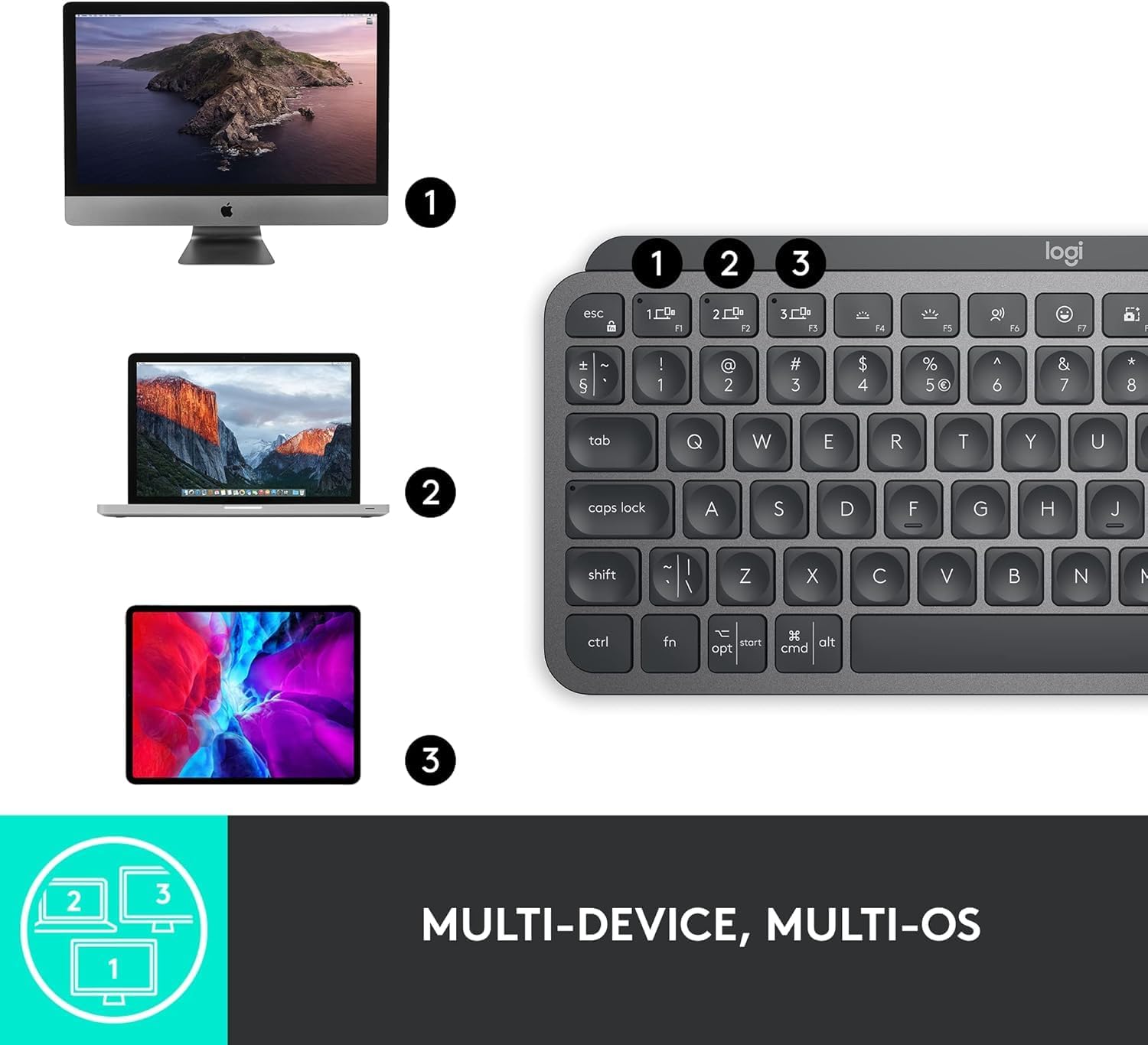


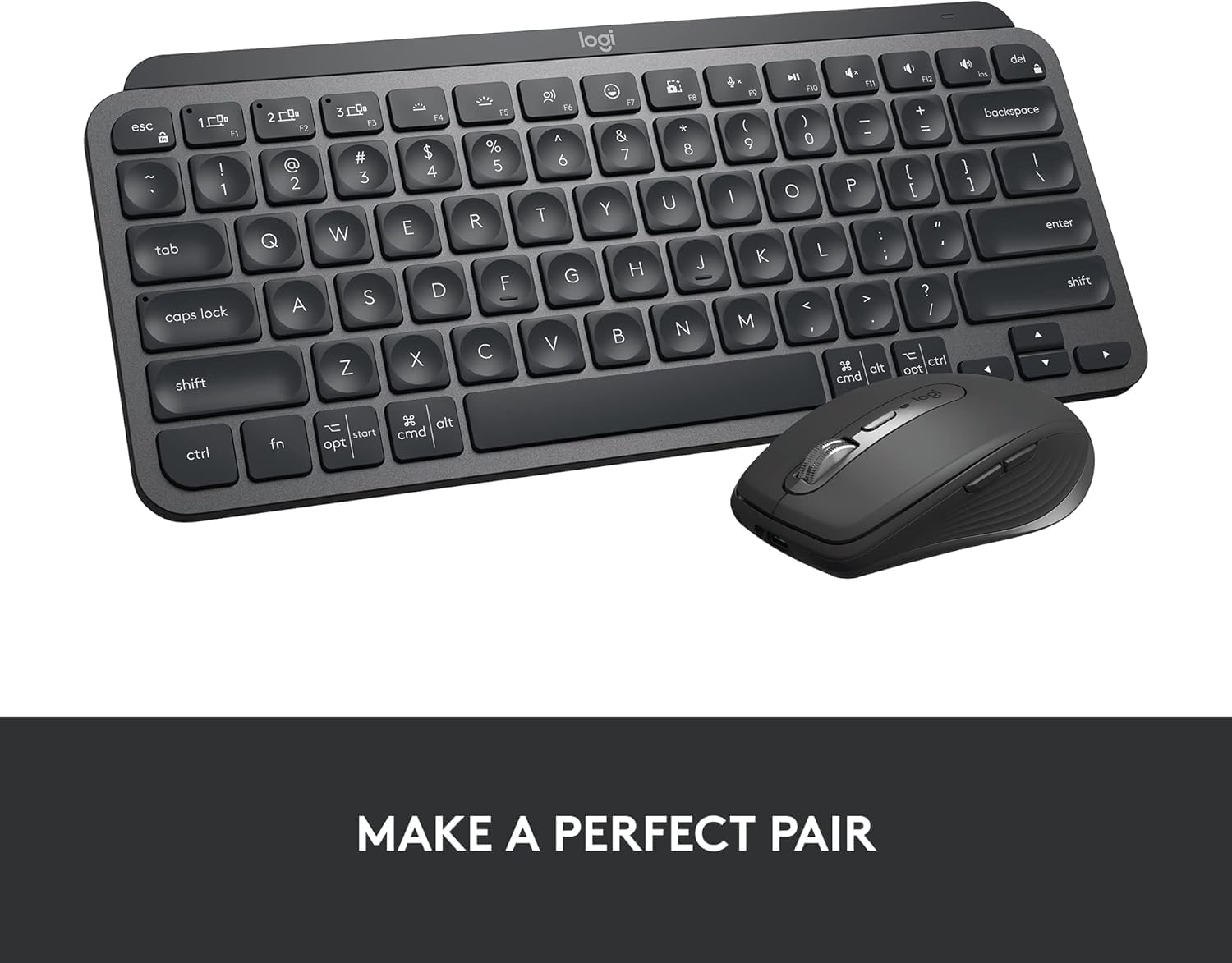
Logitech MX Keys Mini Introducing MX Keys Mini – a smaller, smarter, and mightier keyboard made for creators. Type with confidence on a keyboard crafted for efficiency, stability, and precision. The ergonomic design aligns your shoulders, allowing you to place your mouse closer to your keyboard for less arm reaching, more comfort, and improved body posture. Easily pair MX Keys Mini via Bluetooth Low Energy with up to 3 devices. Smart Keys transform the way you work, with a Dictation key to talk-to-text with the press of a button (1) , an Emoji key to instantly open your emoji window, and a Mic Mute/Unmute button for smooth video calls. Team up with a Flow-enabled MX Master 3 or MX Anywhere 3 and type on multiple devices in one fluid workflow(1). Transfer files, documents, and images across computers and Mac and Windows operating systems(2). Not compatible with Logitech Unifying Receiver Technology. Product details: Weight: 17.86 oz (506.4 g) Dimensions: 0.82 x 11.65 x 5.19 in (20.97 x 295.99 x 131.95 mm) Battery type: LiPo rechargeable battery Battery life: Up to 10 days on a full charge or up to 5 months with the backlighting turned off(3) Compatible with Windows, macOS, iOS (2), iPadOS (2), Android (2), Chrome OS (2), Linux (2) (1) Requires Logitech Options software, available for Windows and macOS (2) Device basic functions will be supported without software for operating systems other than Windows and macOS (3) Battery life may vary based on user and computing conditions.
Perfect Stroke Typing with Smart Keys (1): Type on keys shaped for your fingertips, with voice to text Dictation (4), Mic Mute/Unmute, and Emoji keys
Mini Size, Mighty Powerful: A layout designed for effortless precision, with a minimalist form for an ergonomic keyboard that’s portable and can travel wherever you get work done
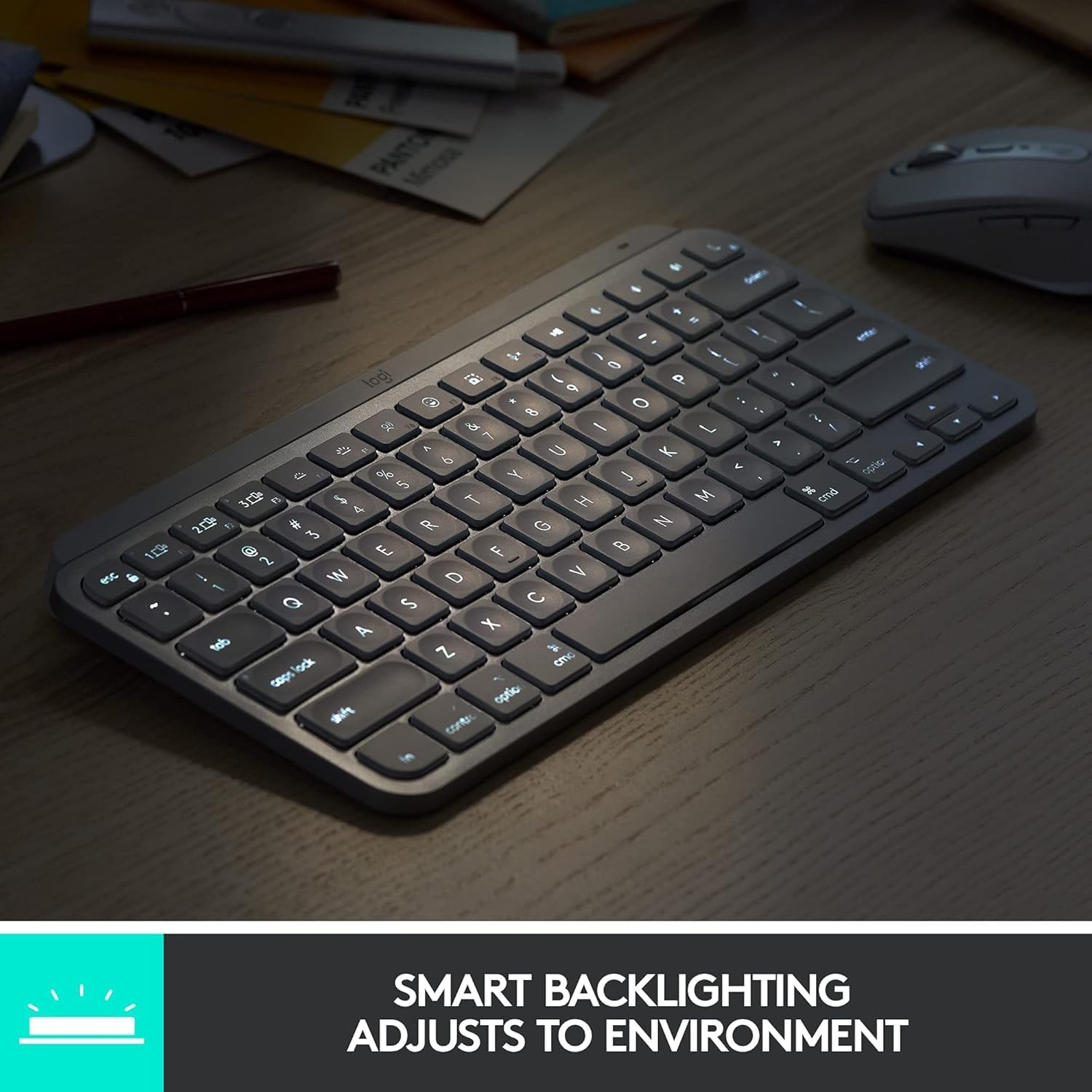
Smart Illumination: The wireless keyboard’s backlit keys light up the moment your hands approach, and automatically adjust to suit changing lighting conditions
Multi-Device, Multi OS: Pair MX Keys Mini compact keyboard with up to 3 devices on nearly any operating system via Bluetooth Low Energy and switch between them seamlessly
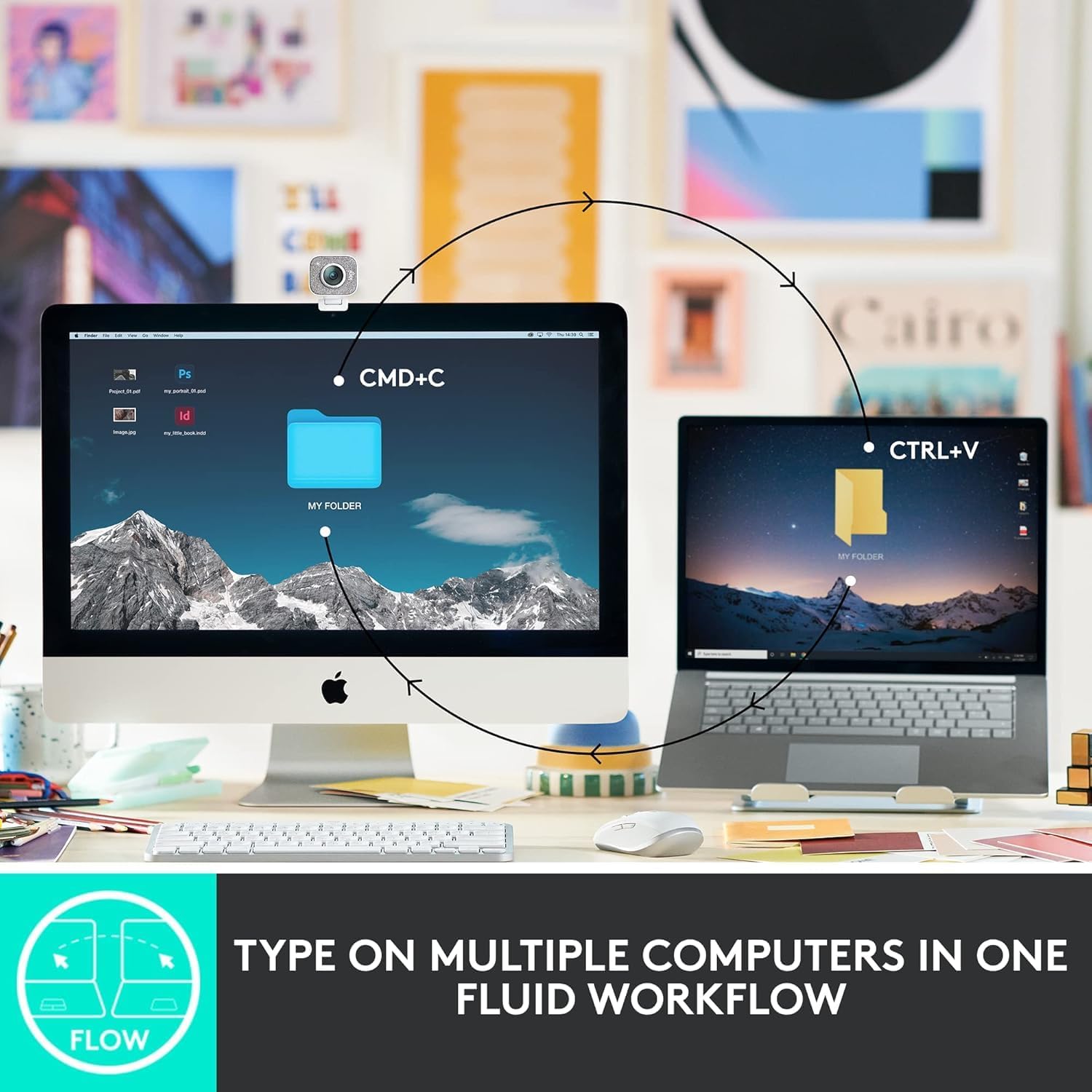
Multiple Computers, One Flow: Team the slim MX Keys Mini with MX Master 3 or MX Anywhere 3 and type across multiple computers or laptops in one fluid workflow(1)
USB-C Rechargeable: MX Keys Mini Bluetooth keyboard stays powered up to 10 days on a full charge or up to 5 months with the backlighting turned off(3)
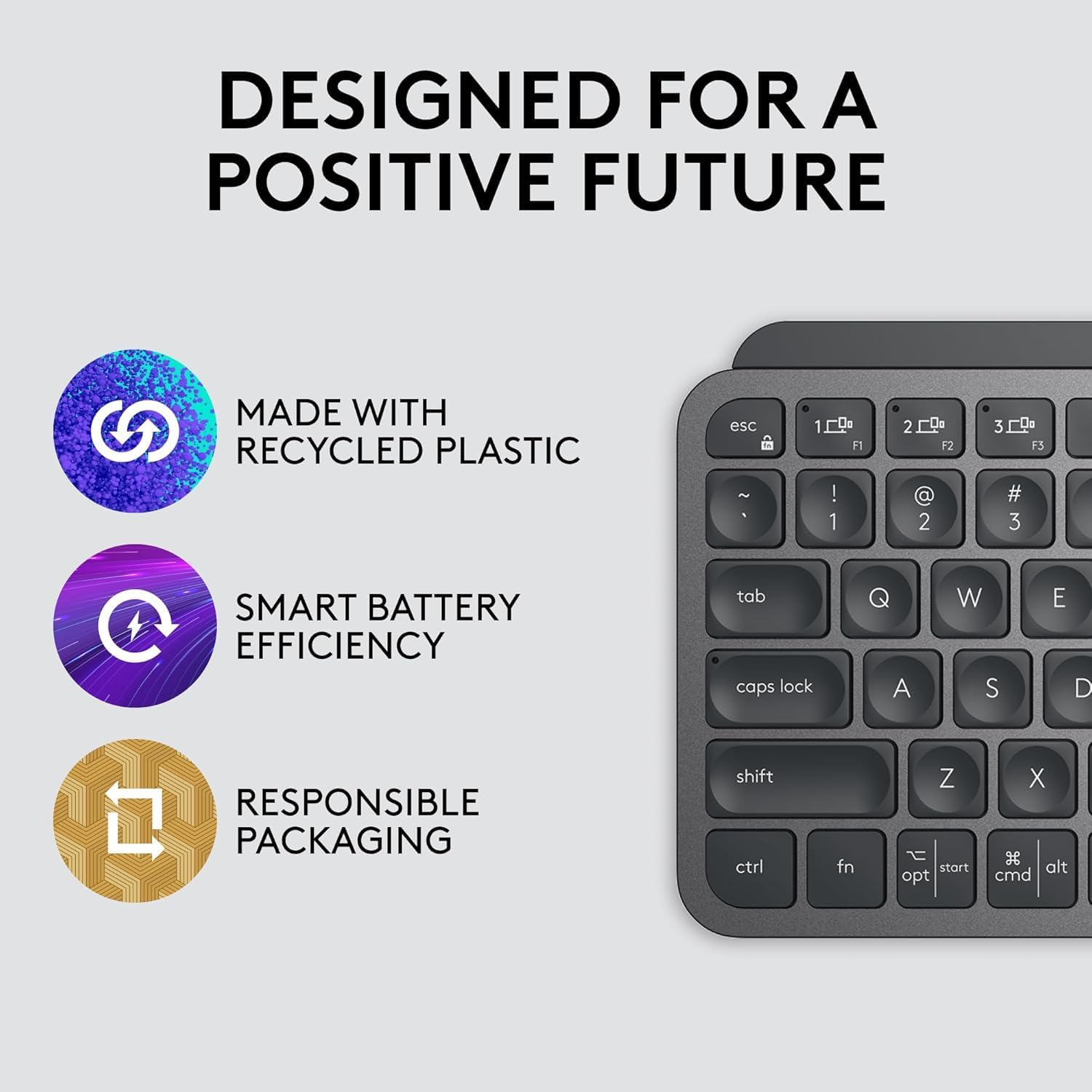
Plastic parts in MX Keys Mini include certified post consumer recycled plastic (Graphite: 30%, Pale Gray and Rose 12%(5))
Product carbon footprint: 10.78 kg CO2e;
9 reviews for Logitech MX Keys Mini Minimalist Wireless Illuminated Keyboard, Compact, Bluetooth, Backlit, USB-C, Compatible with Apple macOS, iOS, Windows, Linux, Android, Metal Build – Graphite
Add a review

$9.99
MC –
Simply the best Wireless keyboard, hands down
I absolutely love this keyboard, it is very intuitive and it looks great it’s solid I love weight it does not move around It was very easy to set up, I used the USB adapter that came with it to connect. I also tested out the bluetooth connectivity and it worked fairly well. However that being said I’ve noticed that there are many of those here who have said there was some connectivity issues. That’s understandable, it’s the nature of Bluetooth sometimes. I was having some connectivity issues as well. Come to find out some of my drivers were not fully updated, so I made sure that all my bluetooth drivers were updated and it continued to work florida State. One of the other features I really like about this is that I’m able to connect it with 1 touch to two different devices. I use this one for my laptop, and it sets on a slide out shelf that I bought here, and it’s also connected to my iPhone and an Android tablet. With the touch of a button It immediately connects after the initial setup which is extremely easy to do. It stays in my opinion low power mode until you’re ready to use it and with just a wave of your hand ever so slightly above the keys, activate the backlighting. The application that you download from the company also is very intuitive, it allows you to customize one single button to perform many different tasks. Plus you can also customize the F1 F2 and F3 buttons as well. Another thing I really like is there is a single button to activate the dictation feature, which is what I am currently used to write this review. And also the emoji feature, this is handy if you are chatting on a text website. I really like this brand, I own speakers with a bluetooth, Webcam, trackball mouse, and a few other peripherals. I really trust this brand. I’ve never spent this much money on a keyboard, but it was totally worth it
Clyde –
I Like It!
I really like this keyboard. I’ve only been using it for about two weeks, but I’m impressed. I like the solid feel. It’s quiet. It has a somewhat different layout for a few keys that I’m getting used to, but nothing dramatic. So far, I haven’t encountered any cons. If that happens and they’re significant enough, I’ll update my review. In the meantime, here’s a list of things that are important to me for my use:- Solid build. It has weight and substance that makes it look and feel like it will last.- Backlit. It’s easy to see the keys in any lighting.- Letters don’t wear off. I’ve had keyboards from Logitech previously that I liked for most reasons, but the letters were painted on and wore off badly. But their backlit keyboards are different and don’t have that problem. I just had a Logitech backlit keyboard that I liked, but this one is even better.- Separate number pad. A must for me and my work (not an accountant, but still important).-Some have complained about the fact that the tilt on the keyboard is controlled by a solid bar across the bottom of the keyboard instead of having feet. I actually like this feature. Feet tend to get folded in sometimes and are a bit “fussy.” You don’t have to worry about this. And the degree of tilt is just right, I think.- I like the fact that it has both Bluetooth and Logitech proprietary USB connectivity. And I like the fact that it can connect to three different devices.It’s made for both Apple and PC computers, so some of the keys are dual labeled. Not a favorite feature of mine, but it’s fine.All in all, a great keyboard that I hope and trust will last a good number of years.
Peace Pirate –
This Keyboard Rocks
The keyboard I’ve been waiting for. I type a lot, play video games and guitar. I do a lot with my hands and at a high enough level that high-performance tools can make a huge difference.The MX Keys S is a high-performance tool. I was using an old Logitech wireless keyboard and thought it was fine. We are human, we can adapt to almost anything. But after 5 minutes with this keyboard I felt like I was driving a Ferrari.It’s assignable buttons are really cool and extremely easy to use. The action of the keys is a dream. I didn’t know if I’d like the concave keys, but I absolutely love them because they give your fingers information that is beyond what your brain can process and it enhances accuracy. It is quite and feels like a good laptop keyboard. Key spacing seems closer and I like it A LOT. I use it on the dongle, but I’m sure the bluetooth works great. I haven’t done a full speed test yet, but suffice to say, I’m going to smoke my record set on the old keyboard.Lastly, it’s made of aluminum and has the heft and feel of quality gear. Setup was almost easier than falling off a log. I’ve been using Logitech pretty exclusively for about 30 years but I have no association with them. If you’re on the fence about buying this keyboard, do yourself the favor and buy it now. I wish I’d bought this years ago. I want to keep typing because this thing feels like butter, but I’ll close for now.
Kellthan –
Amazing
I haven’t had a wireless keyboard in several years. This thing is amazing, especially with the addition of the Logi Options program.I really like the ability to customize the keyboard, such as the backlight time and brightness and certain key functions.Huge bonus is the way it lights up when I just hover my hand over it. When it’s dark, and I don’t want to hit the wrong key, I just wave my hand over it to light it up and then start typing.
Shahid Javaid –
Nice product
Lalo Hermosilla Hanus –
Es buenísimo lo recomiendo ampliamente. Esta es muy superior al k380.
HyoJi Y. –
Se conecta muy facil para multipositivos en general se ve de buena condicion sin embargo llego en una con mancha como despintado espero q no se despinte con tiempos de uso ya que este teclado esta muy caro aunque tiene muy buena tecnologia de multi conexcion
Sam –
Je viens de recevoir le Logitech MX Keys S et je suis impressionné par la qualité dès la première utilisation.Points positifs :La frappe est extrêmement fluide et silencieuse, idéale pour travailler de longues heures sans fatigue.Le design profil bas est élégant et s’intègre parfaitement à mon bureau.Les touches rétroéclairées s’adaptent automatiquement à la luminosité de la pièce, un vrai plus pour travailler le soir.La connexion sans fil est stable, et la compatibilité multi-appareils (PC, tablette, téléphone) est très pratique.Petit bémol : le prix est un peu élevé, mais la qualité justifie l’investissement.En résumé : si vous cherchez un clavier confortable, précis et fiable pour le travail ou la maison, le MX Keys S est un excellent choix.
Joseph Chung –
The white keyboard isn’t visible when the back-light are on. So better use it without back-light. I’m sure it would be better with a black keyboard