

Samsung 32-inch S3 (S39GD) FHD 100Hz Curved Monitor, Game Mode, Eye Saver Mode, Multiple Connectivity with HDMI Port, Built-In Speakers, LS32D396GANXZA, 2025
$29.99
Related Products
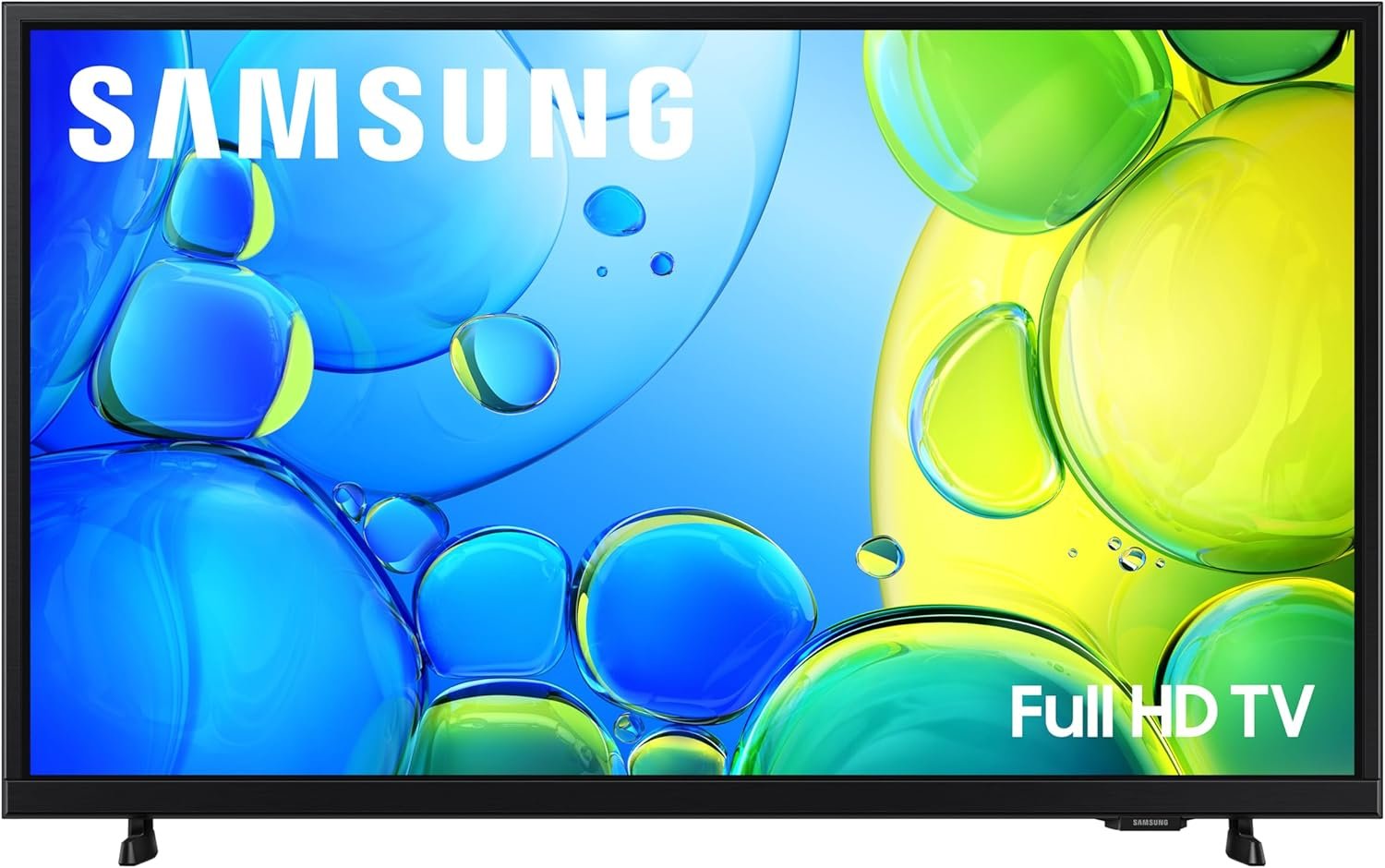


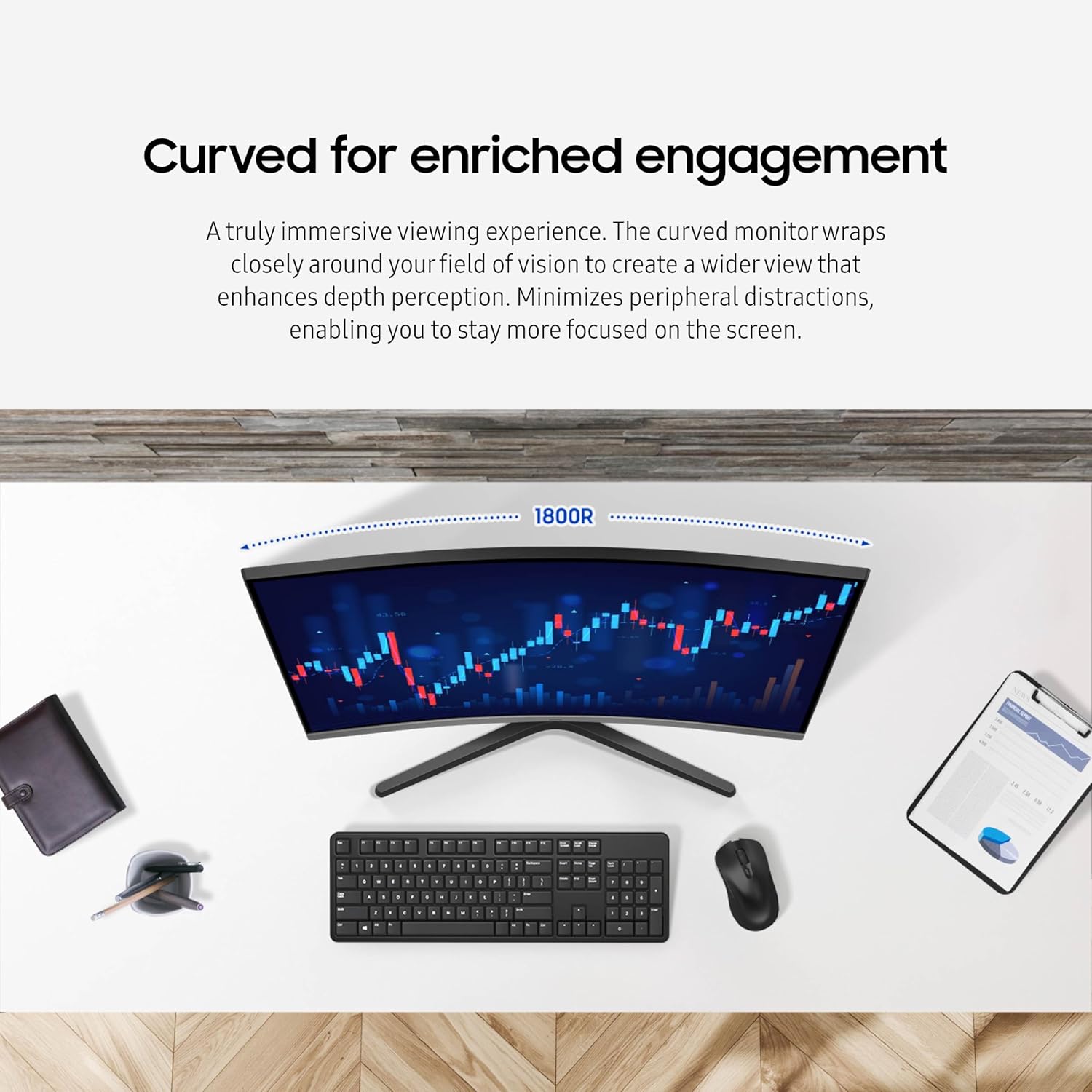

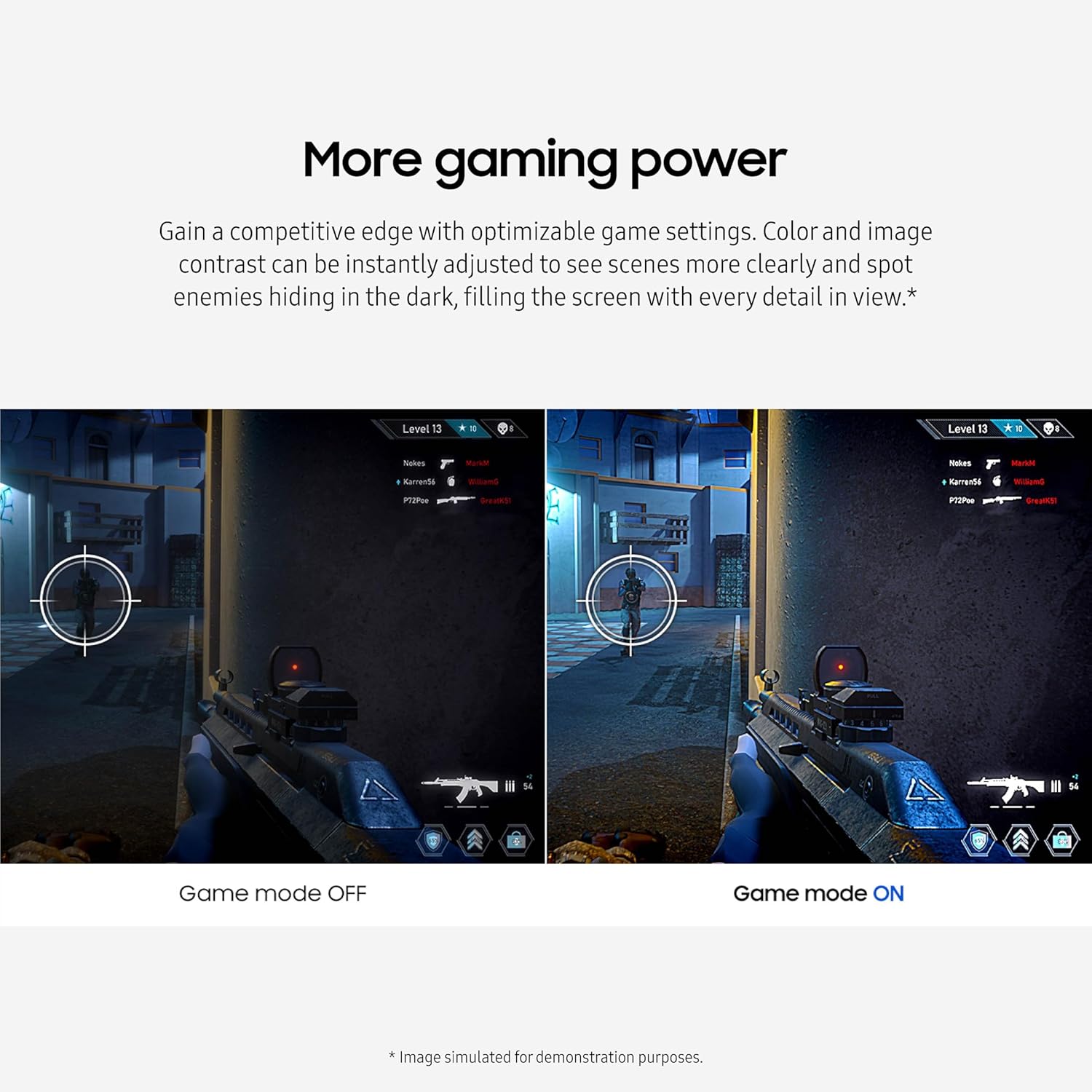
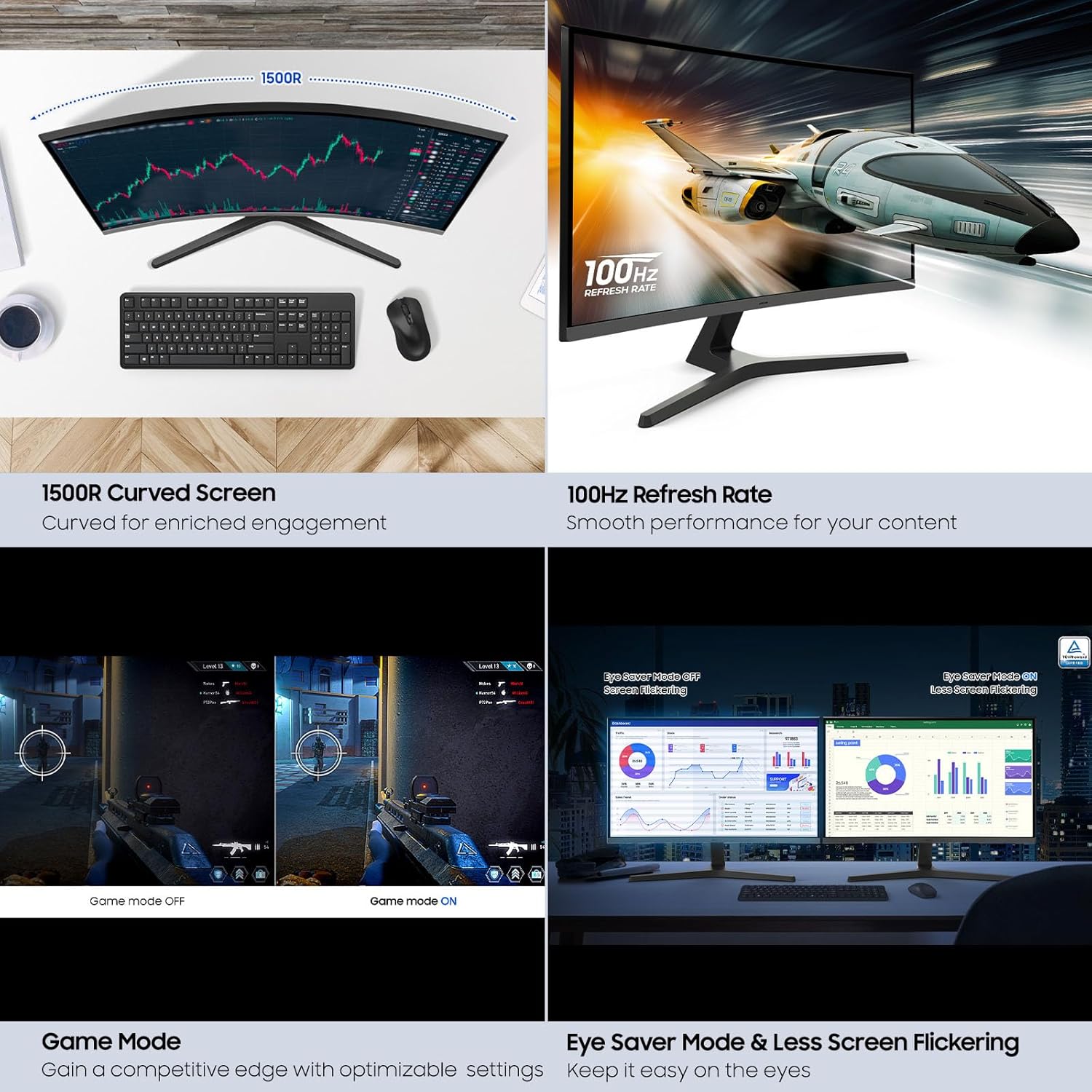

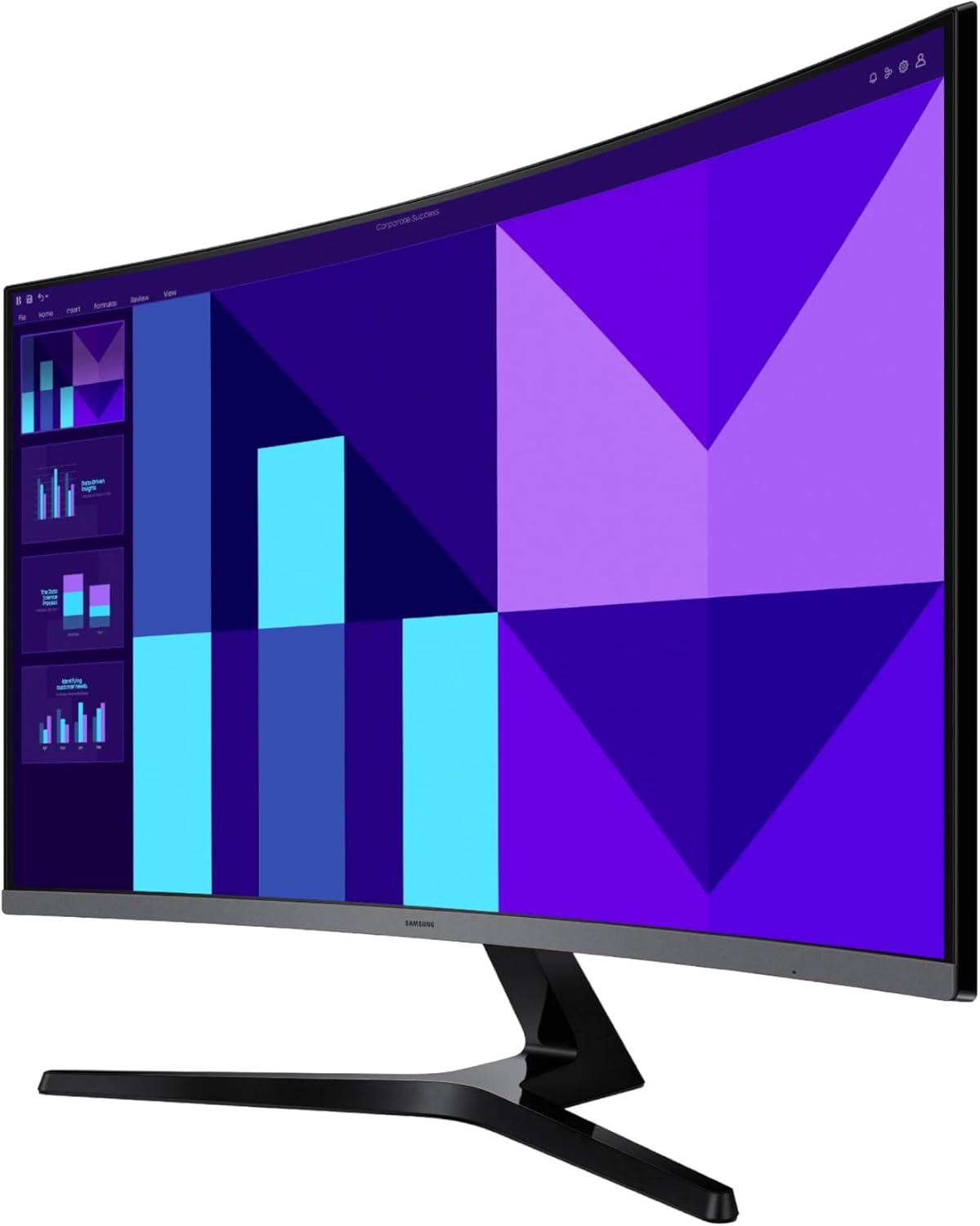


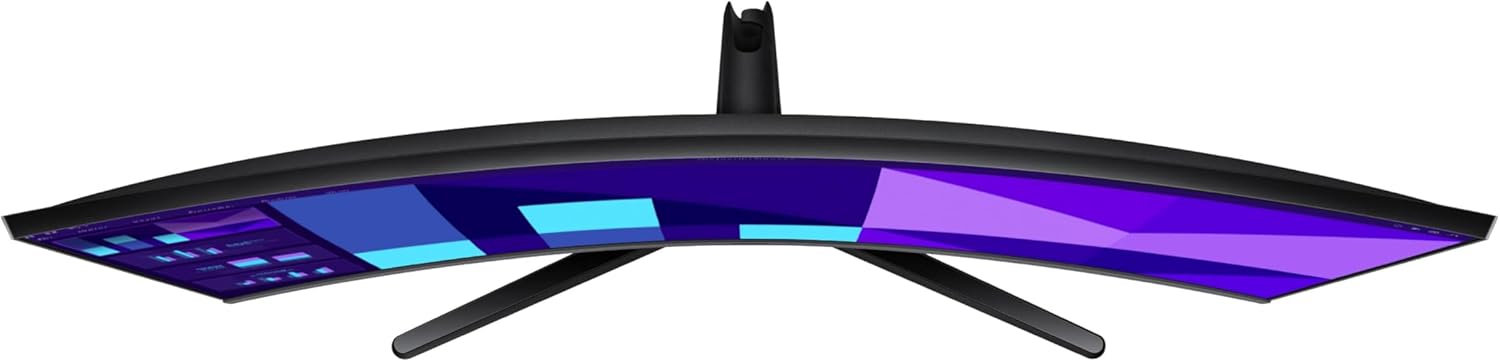


“Samsung’s 32″” S3 FHD 100Hz Curved Monitor with Speakers provides an immersive viewing experience. The 1800R Curved Screen enhances depth perception and minimizes peripheral distractions, enabling greater focus. The 100Hz Refresh Rate reduces lag and motion blur when playing games, watching videos, or working on creative projects. Game Mode with optimizable settings allows color and image contrast to be instantly adjusted, filling the screen with every detail in view. Built-in Speakers free up desk space, minimize connections, and create a more efficient working environment for listening with ease. Eye Saver Mode with TÜV-certified eye comfort technology reduces irritating screen flicker and minimizes excessive blue light, even during long sessions. Multiple Connectivity enables devices to be plugged straight into the monitor for a more convenient computing environment.
¹Default refresh rate is set to 60Hz, and may be adjusted to 100Hz in the monitor’s settings. ²Image simulated for demonstration purposes. ³Image simulated for demonstration purposes.“
CURVED FOR ENRICHED ENGAGEMENT: A truly immersive viewing experience. The curved monitor wraps closely around your field of vision to create a wider view that enhances depth perception. Minimizes peripheral distractions.
SMOOTH PERFORMANCE FOR YOUR CONTENT: Stay in the action when playing games, watching videos, or working on creative projects.¹ The 100Hz refresh rate reduces lag and motion blur so you don’t miss a thing in fast-paced moments.
MORE GAMING POWER: Gain a competitive edge with optimizable game settings.² Color and image contrast can be instantly adjusted to see scenes more clearly and spot enemies hiding in the dark, filling the screen with every detail in view.
GREAT SOUND WITHOUT TAKING UP SPACE: Work, learn, and play without the need for additional devices. With built-in speakers you can free up desk space, minimize connections for a more efficient working environment, and listen to your favorite content with ease.
KEEP IT EASY ON THE EYES: Care for your eyes and stay comfortable, even during long sessions.³ Advanced eye comfort technology certified by TÜV reduces eye strain by minimizing blue light and reducing irritating screen flicker.
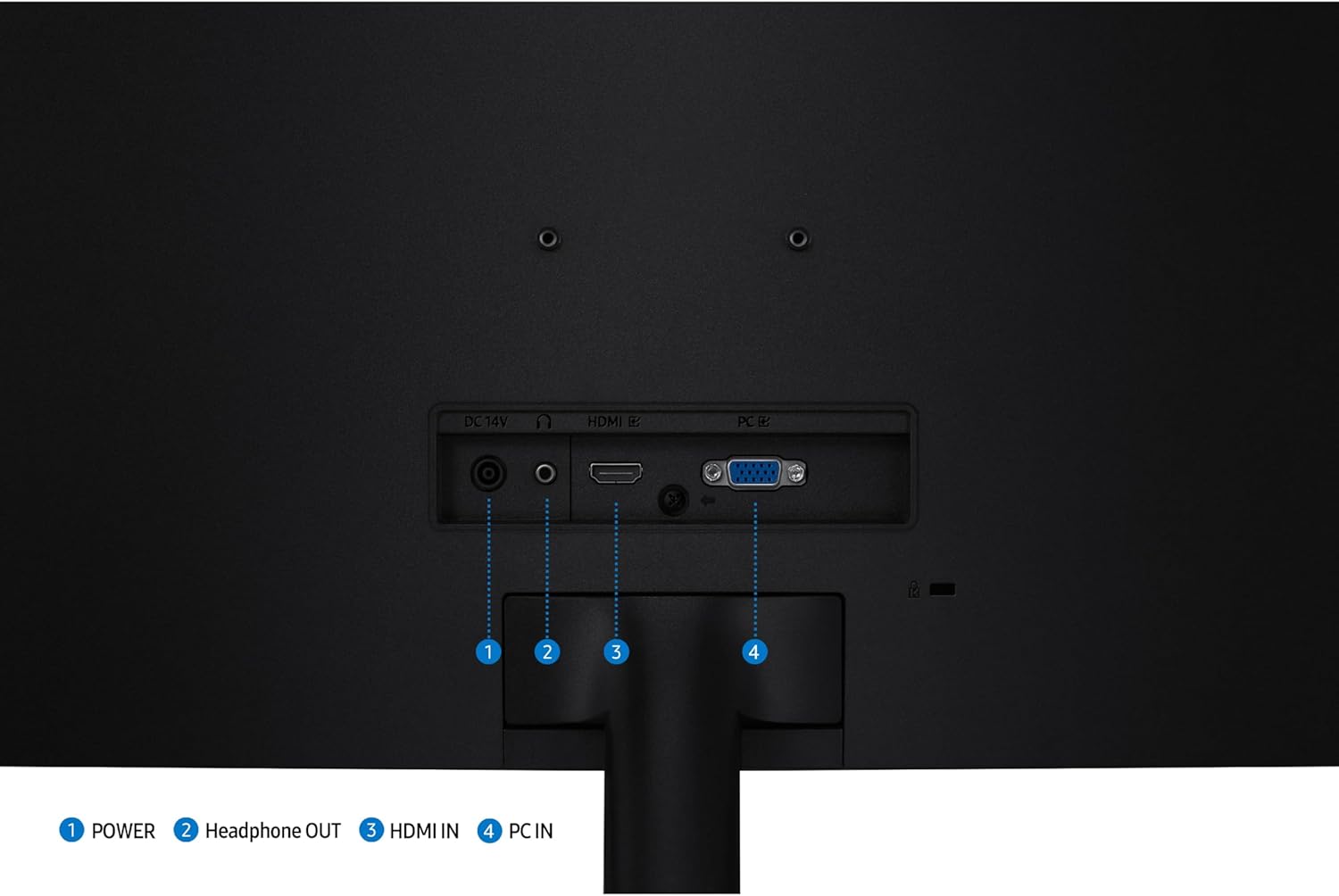
CONNECT TO MORE: Plug devices straight into your monitor for increased flexibility, making your computing environment even more convenient.
9 reviews for Samsung 32-inch S3 (S39GD) FHD 100Hz Curved Monitor, Game Mode, Eye Saver Mode, Multiple Connectivity with HDMI Port, Built-In Speakers, LS32D396GANXZA, 2025
Add a review

$29.99
Don G. Wood –
Nice monitor
Took some guys work for me, I’m so so on computers. Picture is great. Just what I wanted. Got it for a decent price.
Big Red –
Nice monitor at a good price.
The Samsung 33in S3 has been set up and in use for about a month. I really like it. I am using it as a regular monitor. Took a minute to get used to the curve. But I don’t notice it now. Crystal clear crisp for text and photos.
Tomy –
Very nice upgrade
Quite like the curved design. So far so good only been a couple weeks. The color and detail are amazing. My first curved monitor so I thought it would take some time to adjust to, but it was effortless. Seems to be a quality product. I bought the 32″ curved Samsung, just in case this is a mixed review.
Kat Friedmann –
Great monitor
Great monitor
Nadia P Segovia-Spehar –
Samsung Delivers again
This monitor offers great quality at an affordable price. If you don’t use your computer for gaming but primarily for internet browsing and schoolwork, I highly recommend it.
Roger –
Samsung 32-inch S3 (S39GD) FHD 100Hz Curved Monitor, Game Mode
What a great monitor for the price, I had a 27 inch and my son’s monitor was going out so I got this one and he got the hand me down…….Looks incredible…good value..
José F. Sanchez –
great monitor screens
awesome little screens work perfect for my small office at home. great bang for your buck, i am pleased with the picture quality and they even have a game mode. the sound quality not the best but sufficient.
John Smith –
DOES NOT SUPPORT AMD FREESYNC
I was extremely happy to get this monitor in, get it set up, and try out some games BUT I noticed a problem when I hooked it up and AMD FreeSync did not appear in the settings menu. So, I called Samsung customer support and asked them why I wasn’t seeing an option for FreeSync despite my AMD GPU. They told me that this model (LS27D396GANXZA) does NOT support FreeSync. I showed them the listing here that clearly states that it supports FreeSync, and they said, “we can’t control information that isn’t on our website”. So, now I’m going monitor shopping again, but for a different brand this time.
Anonymous –
The item works, it is matching the description. But who puts only a 1920×1080 resolution on a 32inch? Terrible quality.