

SAMSUNG 32″ UJ59 Series 4K UHD (3840×2160) Computer Monitor,VA Panel, HDMI, Display Port, Eye Saver/Flicker Free Mode, FreeSync, LU32J590UQNXZA, Black
$29.99
Related Products


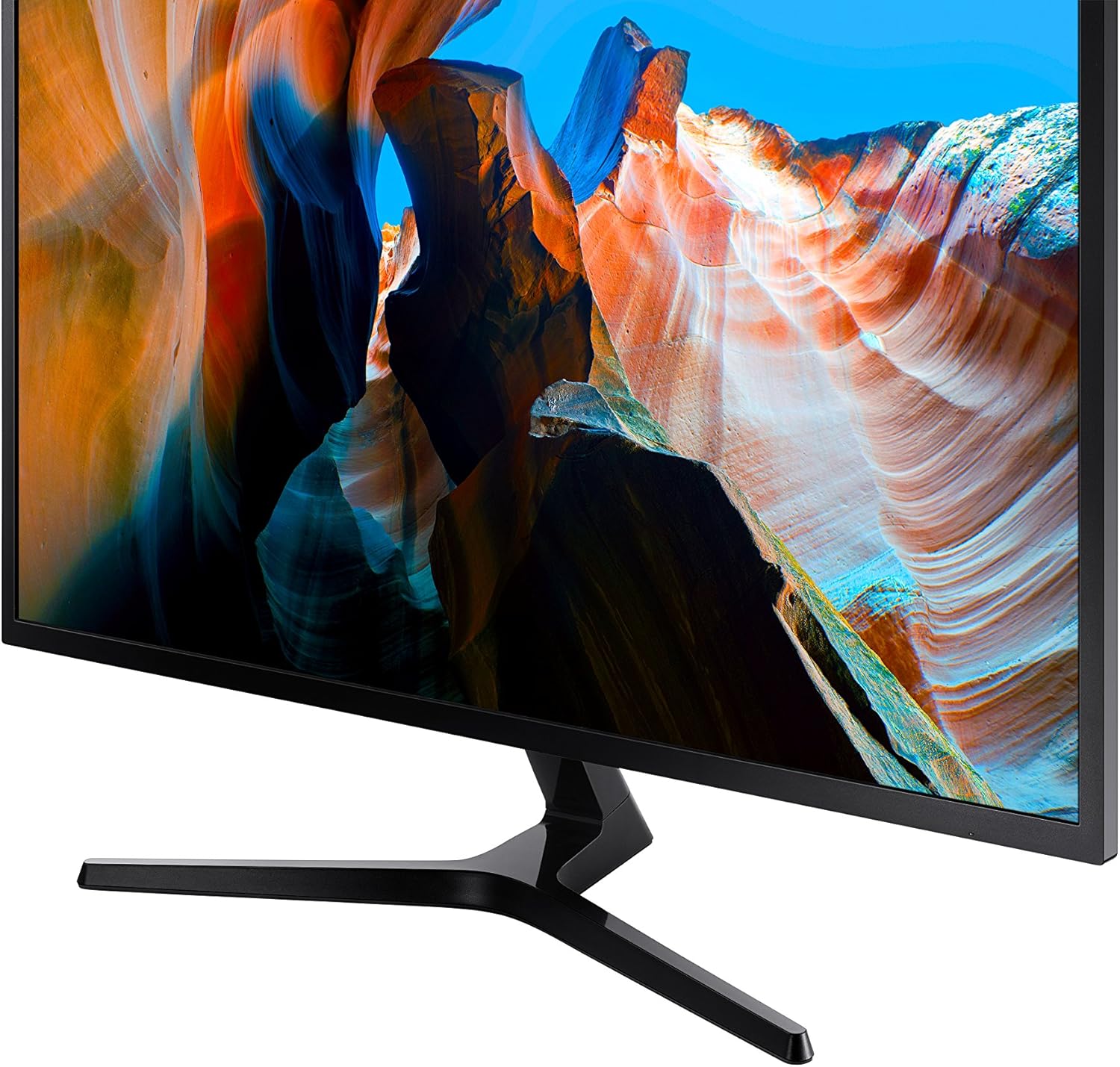
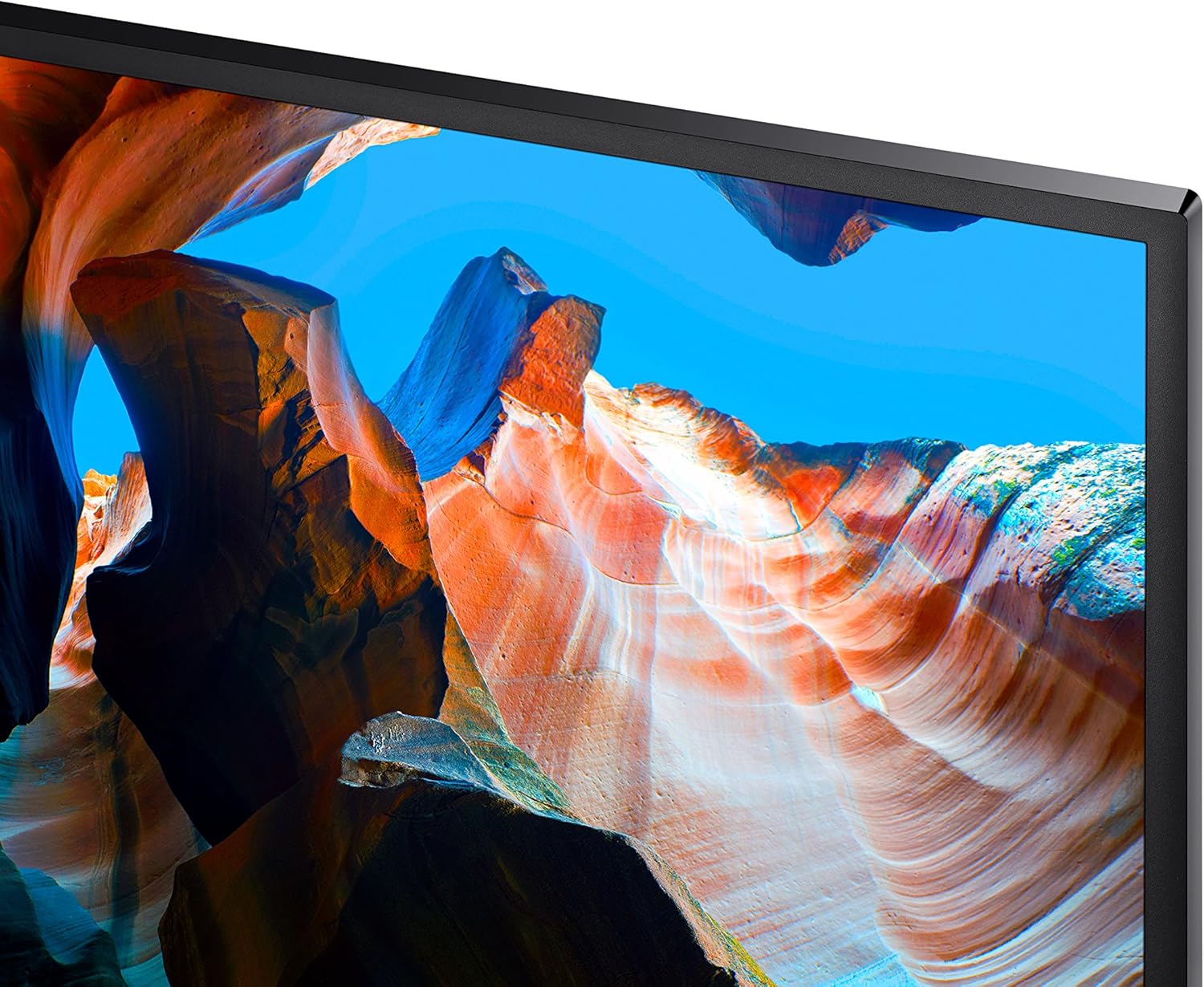


Bring your gaming to the next level with the Samsung 32 Inch UJ59 UHD 4K Gaming Monitor (LU32J590UQNXZA) that offers breathtaking picture quality like you’ve never seen before, greatly enhancing PC viewing, gaming and more. Thanks to over 8 million pixels that support a rainbow of colors (over one billion shades!), this 32-inch UHD computer monitor gives you widescreen 4K gaming that makes this PC monitor more of a gaming TV. Samsung’s 32-inch computer monitor offers immense power, letting you connect not one but two devices to your 4K monitor while maintaining the optimal quality in each, thanks to two HDMI 2.0 inputs. Watch your favorite shows, sports and more while not missing out on a second of your gaming thanks to split screen function like Picture-by-Picture viewing. You can resize the second source up to 25% of the screen and position it wherever you like. True gamers will love great features of Samsung’s 4K monitor like Game Mode, which optimizes your monitor to offer you the edge you need during competitive gameplay. Game Mode boosts contrast, letting you see details in dark areas like you never have before. Spot your enemies faster and win the match, thanks to Samsung’s 32-inch 4K UHD monitor.
WIDESCREEN UHD: With 4x the pixels of Full HD, get more screen space (vs 16:9 screen) and UHD images; View documents & webpages w/ less scrolling, work more comfortably w/ multiple windows & toolbars, and enjoy photos, videos & games in stunning 4K
A BILLION COLOR SHADES: Supporting a billion shades of color, the UJ59 delivers incredibly vivid and realistic images; Its color accuracy means colors appear true to life, making the UJ59 ideal for photo, video and graphics applications
SEAMLESS UPSCALING: Samsung’s UHD upscaling technology includes signal analysis and detail enhancement that seamlessly upconverts SD, HD and Full HD content to near UHD-level picture quality
WIDESCREEN 4K GAMING: With 8.3 million pixels supporting a wide range of colors and resolving every image with astonishing clarity, UHD gives you a wider view for a truly thrilling and immersive gaming experience
SMOOTHER GAMEPLAY: AMD FreeSync synchronizes the refresh rate of your graphics card & monitor to reduce image tear & stutter; Low Input Lag Mode minimizes the delay between mouse, keyboard or joystick input and onscreen response for smooth gaming
GAME MODE: Game Mode instantly optimizes screen contrast to give you a competitive edge during gameplay; By selectively boosting contrast in scenes, Game Mode reveals more detail in dark areas to let you spot your enemies faster
POWERFUL MULTITASKING: Picture-by-Picture (PBP) lets you connect to 2 devices to the monitor and maintain their original quality; With Picture-in-Picture (PIP) you can resize the second source to up to 25% of the screen and position it anywhere
SLIM BEZELS: Framed by slim screen bezels and finished in stylish matte black, the UJ59 sits elegantly on virtually any desktop; And its Y-shaped stand provides a firm footing and a refined metallic touch
12 reviews for SAMSUNG 32″ UJ59 Series 4K UHD (3840×2160) Computer Monitor,VA Panel, HDMI, Display Port, Eye Saver/Flicker Free Mode, FreeSync, LU32J590UQNXZA, Black
Add a review

$29.99
Dave –
SAMSUNG 32″ UJ59 Series 4K UHD – We love it.
We’re only using it for a dedicated monitor for 1080P video from a DVR but has a super picture.It was easy to assemble and setup. As usual, great Samsung Quality.HDMI and DisplayPort connections.It’s a good value for the money.
music_collector –
High end monitor with a budget price
This high performance monitor from Samsung exceeds all my needs at a budget price. Below are my pros and cons:Pros:1- Beautiful monitor display, bright sharp colors2- Plug and play monitor -recognized by Windows 11 and Linux Mint with 3840 4K resolution.3- Budget price compared to other major brands.4- Good packaging delivered monitor in perfect conditionCons:1- Big & bulky thick design looks dated2- Stand takes up a large amount of desk space3- Power/Settings button is on back and can be difficult to reach if mounted; would prefer they be under front bezelOverall very happy with this high quality monitor from a top brand Samsung, at a great price.
Vanillalatte –
Issues when turning it on but good picture quality
I really enjoy this monitor!! It’s great for gaming and has beautiful clear pictures on the screen! My only issue is when I try to boot it up at times it gives this distorted flashing glitchy code looking screen that I have to turn it off and restart it up for it to work which is annoying but solid for casual gamers who are on a budget
Sebastian –
Great desktop monitor. Large, dual input & split screen, sound jack.
Great monitor. Good resolution. Dual inputs & split screen. Sound jack. Huge size.
WILLIAM PREPODNIK –
Good–But Not Without its Warts
I received this monitor via Amazon about three weeks ago. I’ve been planning on a 4K UHD monitor for some time now due to vision issues, with 32″ seeming to be about the right size. I was right on both accounts. The clarity of this monitor, especially compared to my former one, is nothing short of amazing, and the size means that I can get a lot of work done (text, photos, word processing) without eyestrain. For these reasons I am pleased so far with it.Physical setup consisted of putting the stand together and mounting the monitor on it. They supplied instructions but there were very few parts and how it went together was self-evident. The monitor itself is pretty much plug-and-play: set it on the stand, use the supplied USB cable to hook it up to your computer, and turn it on. Voila! Picture! Only you turn it on the first time with a button mounted on the BACK of the monitor! Odd.However the monitor is not without its issues. The one rather large fly in the ointment is that there is no software included (or even available, as a chat with a Samsung tech confirmed) to control the monitor from my computer. Instead, all monitor changes (brightness, clarity, modes, etc. etc.) are controlled from a button on the back of the unit. You put your finger up under the bottom middle of the unit, reach up in the back, and your finger contacts a mechanical button on the back of the unit maybe two inches above the bottom of the monitor. Round, with a smaller activation button in the middle. You press up, down, left or right on the outside rim of the button with your finger to access and toggle between the various modes. It works–after numerous attempts to literally feel my way around. But to me it seems to be a solution in search of a problem. It would be MUCH simpler, probably cheaper, and FAR more convenient, to merely have computer software available so that any needed changes to settings can be made from the keyboard rather than by groping around for a button you can’t even see.Second fly is that the monitor had an annoying habit, just after I turned it on, of staying on for maybe 30 seconds or so, then blacking out for maybe 10 seconds before coming back on. Though not a deal-killer it WAS annoying. I text-chatted with Samsung: the tech had never heard of this issue before but had me unplug the USB cable from both ends (monitor and computer), wait 30 seconds, then plug everything back in again. It seemed to work–so far. No recurrence for the past week.Third is that whenever the monitor comes on, I get a rather large dialog box (maybe 4″ x 4″) urging me to register the unit. I did, the first day. But the monitor apparently doesn’t know that and there is no way I can find to turn the dialogue box off–and it stays on for maybe 30 seconds, which is time I could use for actually accomplishing something, before shutting off. Again–very annoying.Finally, there is no height adjustment on the stand. The height seems to be in a good location and I don’t know if I’d use a height adjustment even if it were available, but other users might.BOTTOM LINE: I was sort of nervous when seeing a 32″ 4K UHD monitor for what seemed a VERY low price ($300), but as Samsung is a good name and I’ve always enjoyed good product support from them, I took the chance. If the only issue were visual performance and clarity, it is a great deal, and as indicated earlier I am perfectly happy with that. But the other things–well, in a nutshell, they seem very Un-Samsung-Like to say the least–almost like this particular line of monitors reflects putting a bunch of leftover parts together that they had no real use for otherwise. The picture is great, and if you can put up with the numerous inconveniences, then this monitor is a good deal. Otherwise…well, you’ll have to decide for yourself if the headaches are worth it.
John Spags –
Great for office work, etc. I would not say a great gaming monitor
I don’t play too many games on the PC this is on. But it’s not the fastest refresh, so I probably would not buy one for that.That being said, I’m not putting this down at all! It’s an awesome monitor. I HAD a great gaming monitor with a curved screen this replaced. I don’t need 240 Hz refresh rate or whatever. I play drums, and this is the monitor I use to play along to sheet music on the screen mostly. But my eyes weren’t what they were. I run it at half the resolution it is capable of, because I want everything LARGE. I need to see the music notes clearly. I also need nice big clear text. The visual difference when I got this monitor after using the last one for 2+ years for this, was astonishing. Everything was clearer and sharper. Text is crisp. Video play back is awesome. This isn’t the best of the best in monitors, but in this price range, this size, well I’m glad I picked this one. Sturdy as hell. You can see and feel the build quality. Colors are vibrant but not (to me) inaccurate. And I’m sure it works great for gaming! But not what I would pick for gaming, as I would want a faster screen refresh rate. For my use the refresh rate is way more than I need.
Connor –
Cheap. Really Good.
Excellent monitor for the price. 4k UHD. High quality, vivid color. Only down side is the lack of an adjustable base.
Annie –
Love it! It is a monitor to be used in my office.
Saúl Morales –
Llevo mas de dos meses con este monitor, lo compré para mejorar el 1080p que tenía de la misma marca Samsung, ya que el menú es el mismo y el joystick para navegarlo también, teniendo tan buena experiencia con ese me animé con este monitor 4k, es obvio que la mejora en la imagen se iba a notar, esta increíble jugar así, tengo una tarjeta gtx1060 y los juegos los pongo en 2k para ir a no menos de 45fbs con todo en alta, me encantan los colores y el brillo, las peliculas en 4k se ven muy bien y para multitasking en el trabajo no hay nada mejor, estuve mucho tiempo pensando entre comprar este o un ultrawide de 34″ pero además de que esos son mas caros tienen menos pixeles que los 4k, cabe mencionar que 32″ es la resolución perfecta para monitores 4k porque es la mejor forma de aprovechar el espacio de monitor sin notar los pixeles.Como dato extra debo resaltar que aunque el instructivo lo indica en una parte algo dificil de ver, la lógica me dicctó que conectara el hdmi, que viene incluido, en el puerto 1, estuve un par de días usandolo así y notaba que aunque el monitor me decia que iba a 60fps yo no veía tal fluidez y me di cuenta que era porque ese puerto iba maximo a 30hrz, debe de conectarse al puerto 2 para ir a 60hrz en 4k.Hubiera sido perfecto que incluyeran un cable displayport, voy a tener que comprarlo si quiero usar la función de AMD freesync con mi tarjeta nvidia.otra cosa es que el unico defecto que encontré es que el conector de alimentación queda muy flojo en el puerto del monitor, no he tenido problemas de que se desconecte como tal porque no toco los cables de atras pero si se atropella por alguna razón se safa muy facilmente.
Nestor Campos –
Excelente monitor, resolución óptima para trabajar con más “espacio”, los modos de color son buenos.Puntos a mejorar, tiene un solo puerto HDMI, 2 USB y la base solo rota en horizontal a lo largo del monitor. Estaría bien más puertos y rotaciones.
MASHKOOR KHAN –
Screen is broken
gplain –
Absolutely worthless. Feel and construction cheap cheap cheap. Sound quality was horrible with my ASUS ROG. They could not get along at all. Expected much much more from Samsung. What a letdown. Will try to return