

XGIMI Elfin Flip Plus Portable Projector, Google TV with Licensed Netflix, 500 ISO Lumens, 1080P Resolution Home Projector, Build-in Adjustable Stand, Lightweight and Compact Design, Screen Adaption
$47.99
Related Products



From the brand



At XGIMI, we delve into the realms of multi-functional smart projectors and laser TVs, pioneering innovative solutions that elevate people’s enjoyment and enhance the quality of modern living. Immerse yourself in unparalleled visual experiences, where technology seamlessly blends with lifestyle, setting new standards for enjoyment and enhancing the quality of your everyday moments.


Portable Projector
Home Projector


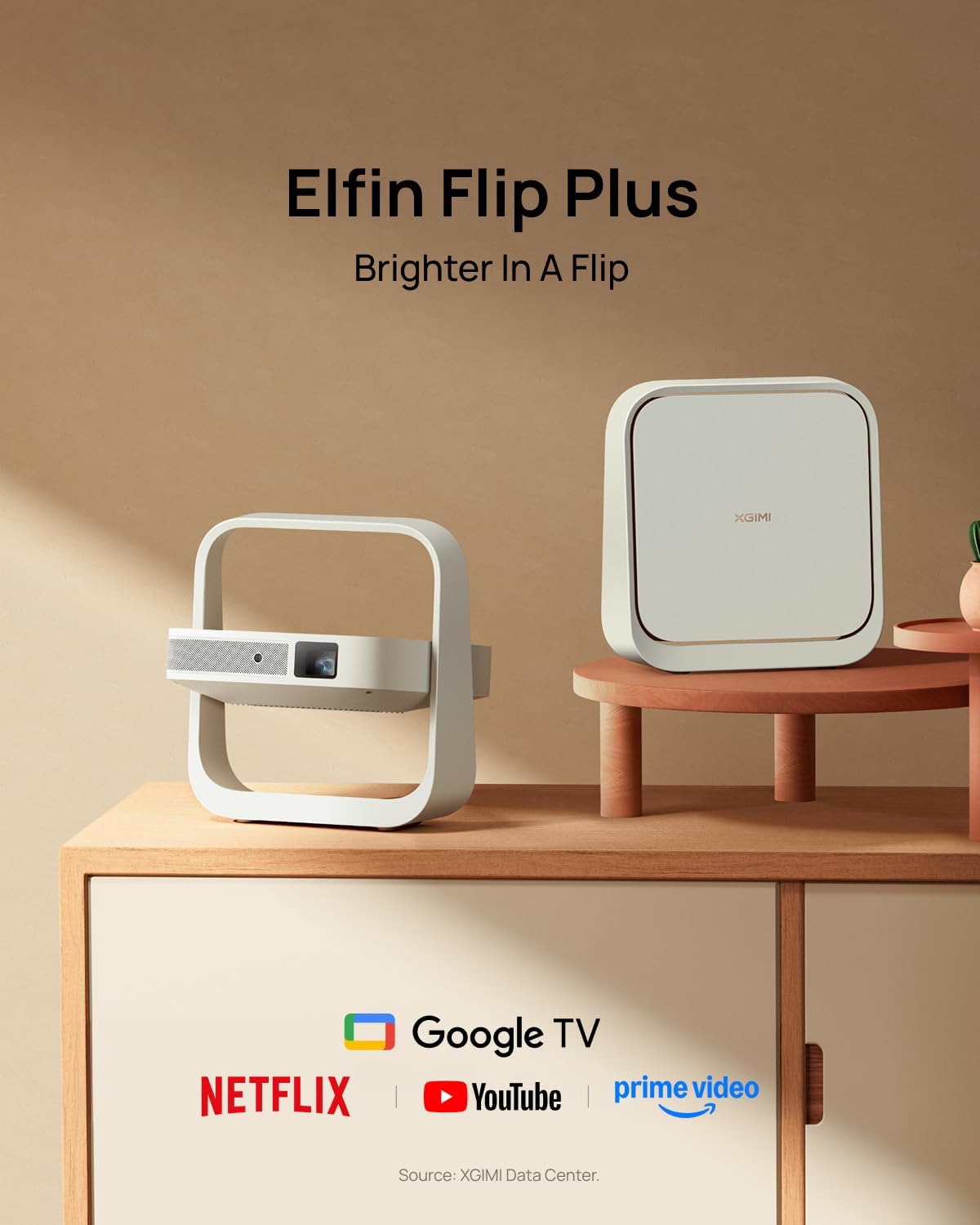
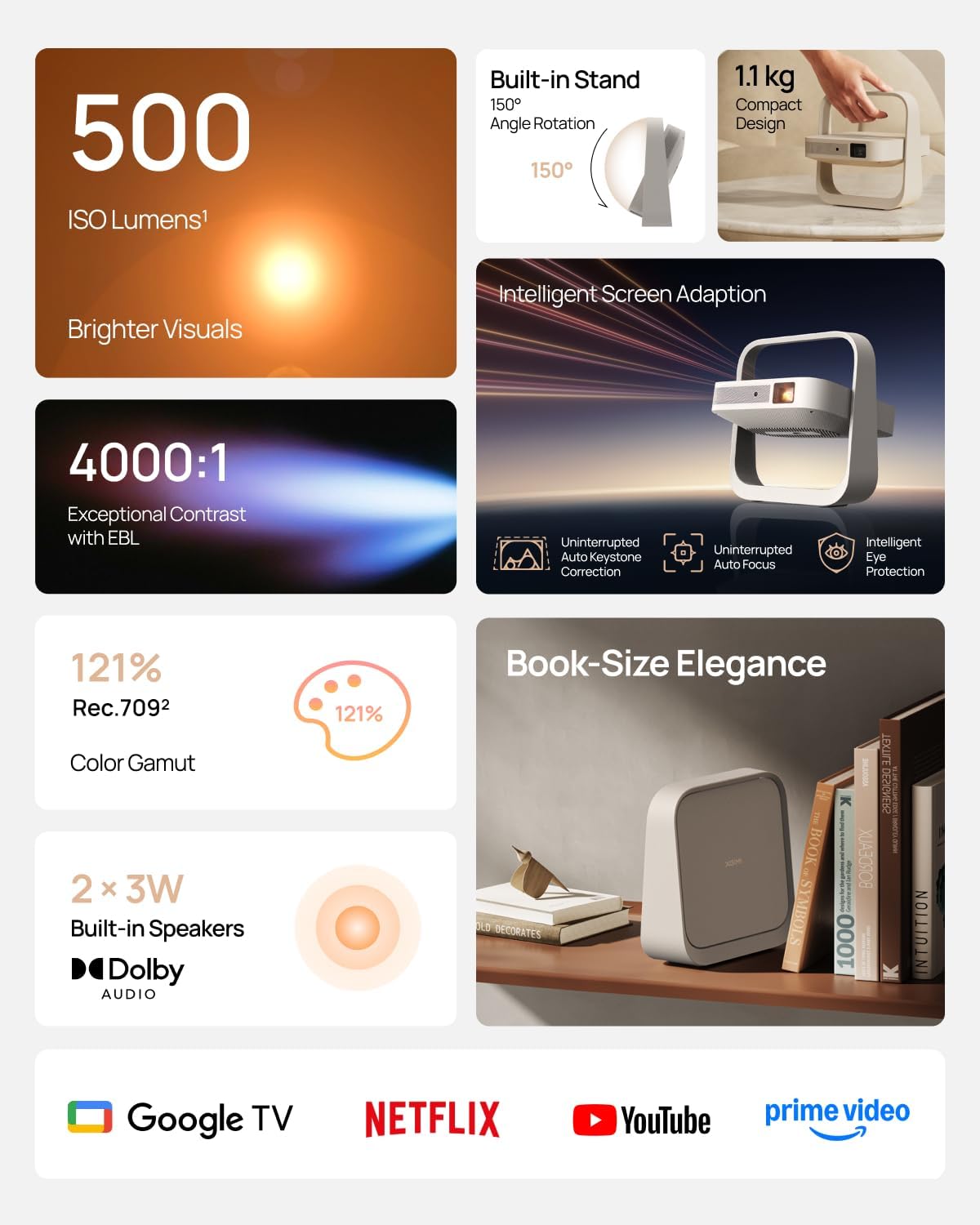
Google TV with licensed Netflix: Enjoy the latest blockbusters and must-watch shows on your Elfin Flip Plus. No setup needed — just power on and start watching!
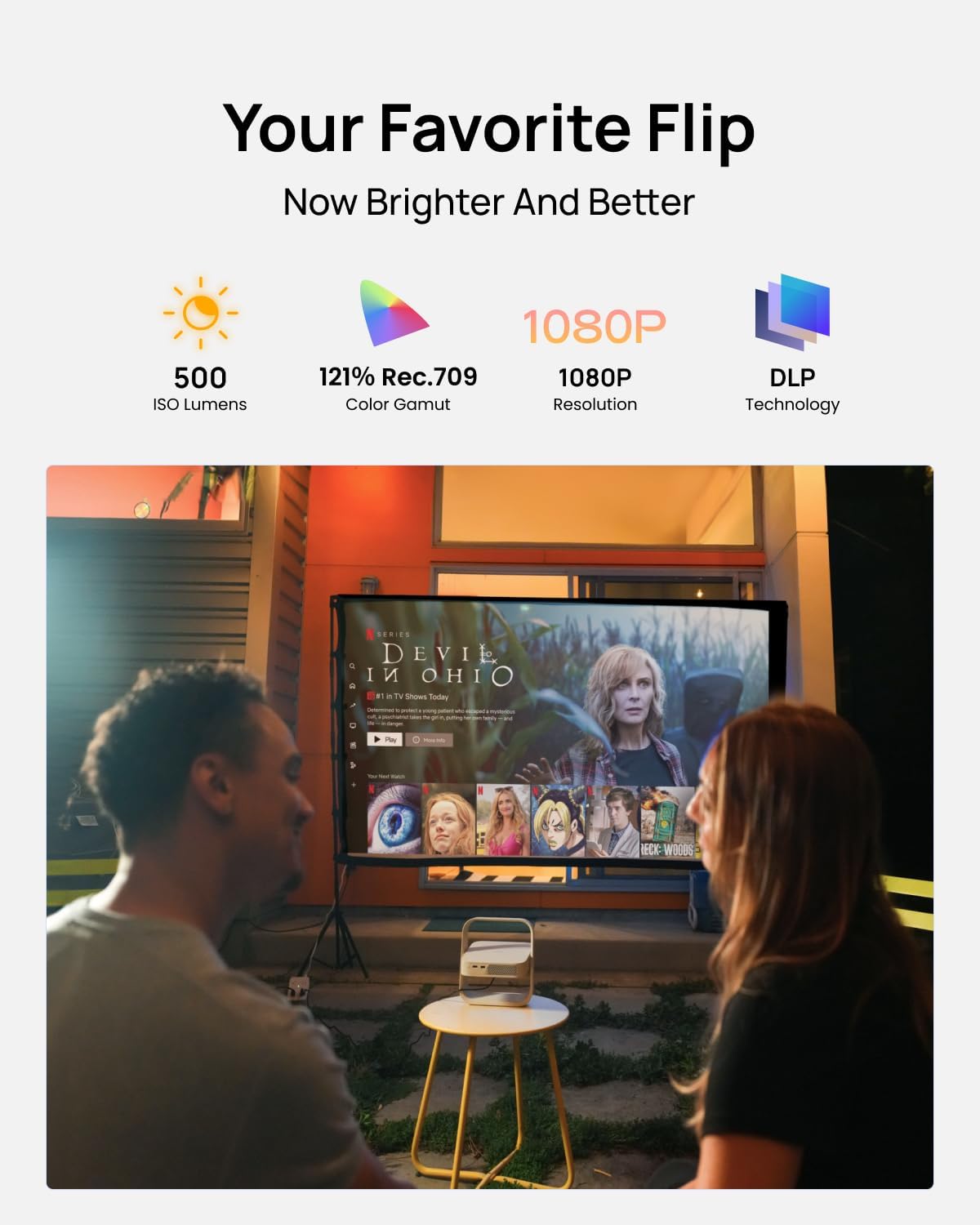
Brilliance in Every Frame: Enjoy 500 ISO Lumens of brightness with a sharp 4000:1 contrast ratio (EBL ON) and 121% Rec.709 color for lifelike detail.
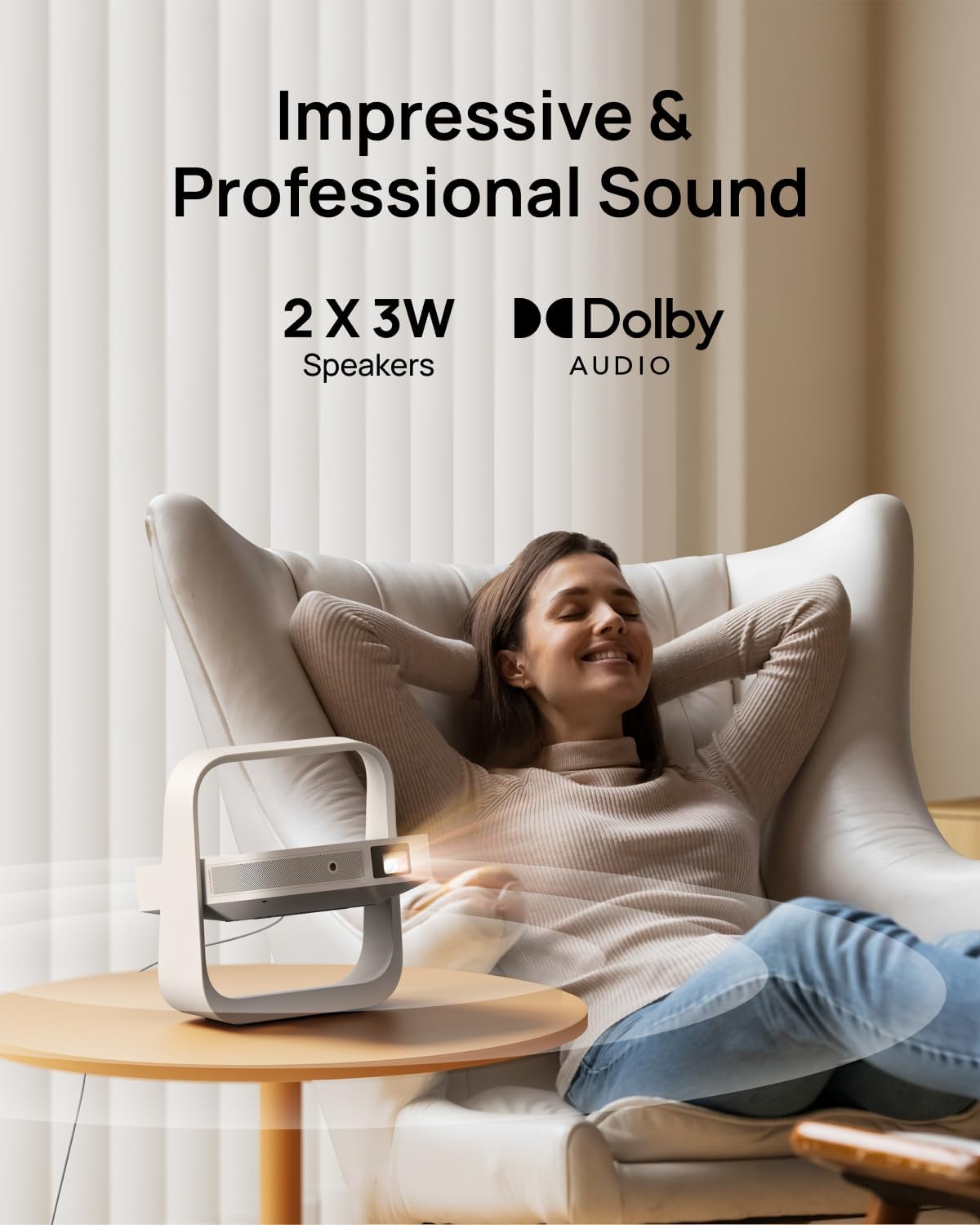
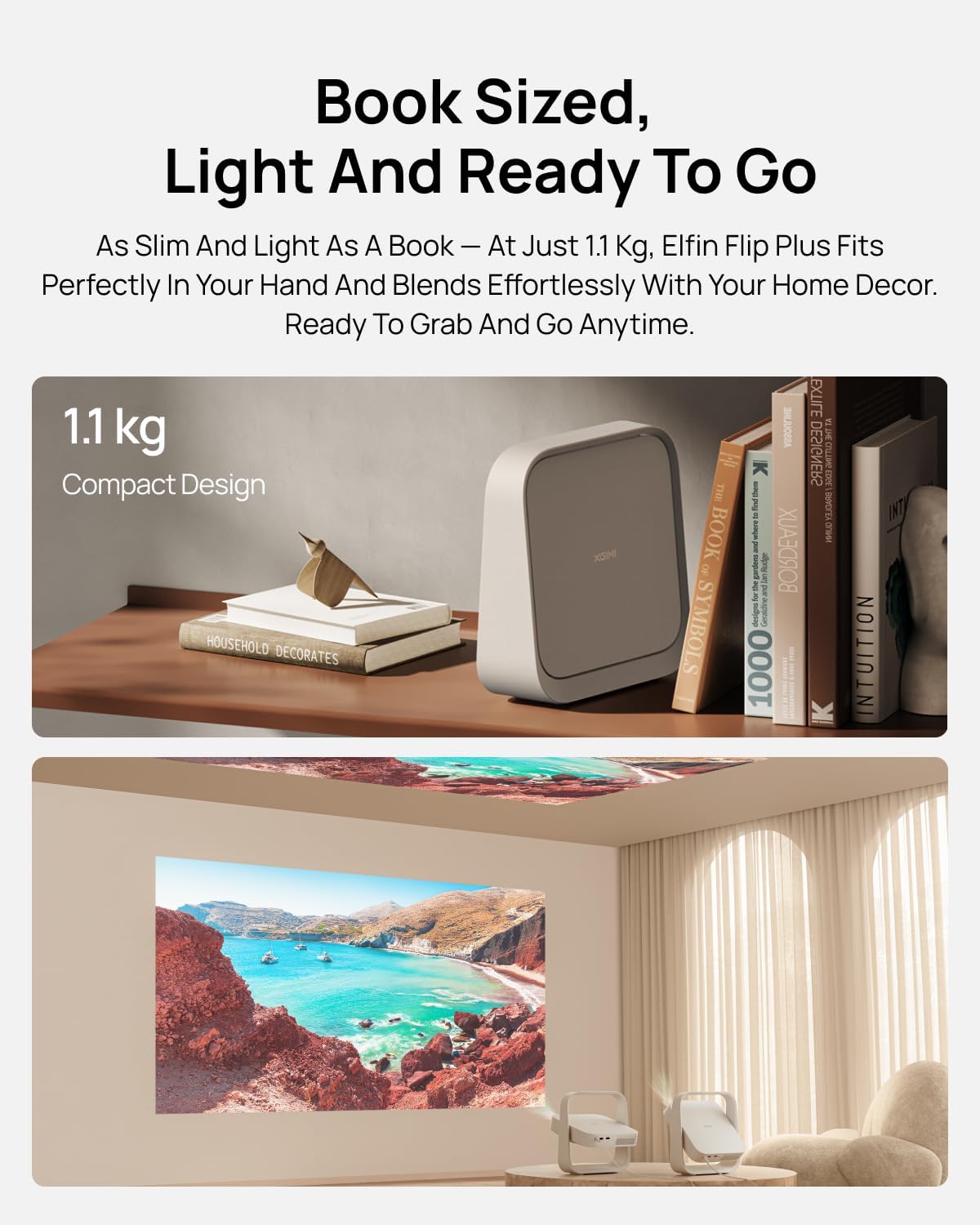
Book-Sized Movie Theater: Enjoy stunning visuals up to 200 inches and dual 3W speakers in a sleek, 2.5-inch thick design.
Integrated All-in-One Stand: Project at any angle with 150° rotation, carry easily with a handy handle, and fold for lens protection.
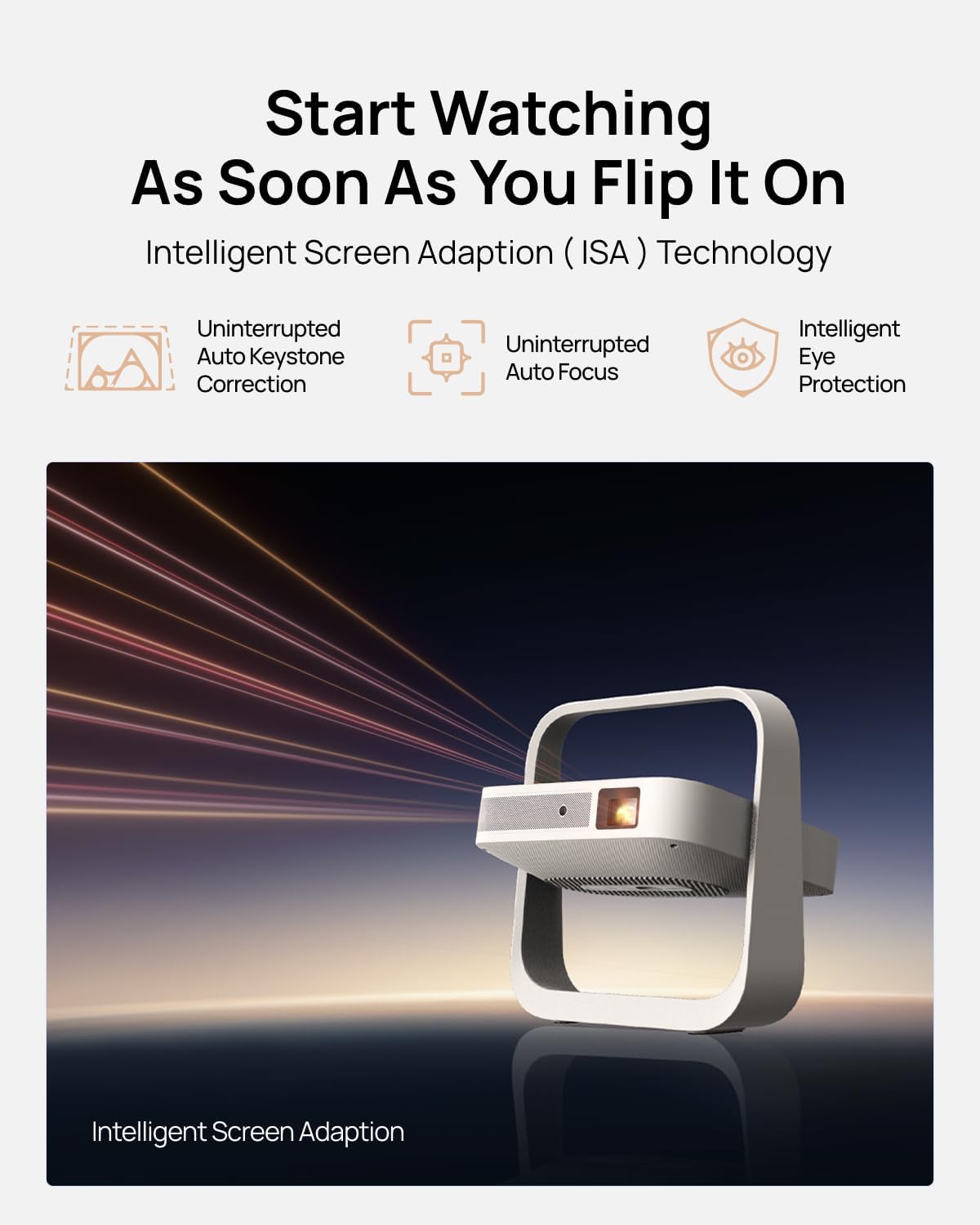
Ready to Go with ISA: Auto-aligns the image for perfect viewing — just flip it on and enjoy!
9 reviews for XGIMI Elfin Flip Plus Portable Projector, Google TV with Licensed Netflix, 500 ISO Lumens, 1080P Resolution Home Projector, Build-in Adjustable Stand, Lightweight and Compact Design, Screen Adaption
Add a review

$47.99
Amazon Customer –
An excellent projector and great customer service!
TL;DR – it’s an amazing product, I love it and wouldn’t have picked anything else for my money. Customer support is very responsive (thanks Winnie for your help!). The only drawback is the onboard android smart tv has some issues for my viewing habits (no Netflix yet, and some picture issues in the Criterion Channel). I needed to pair it with an Apple TV, and once I did everything has been fantastic.3rd UPDATE – 5*Their customer support has been very responsive. They fixed this product listing and removed the hundreds of unrelated reviews and info for an older model. They also helped with all my technical questions. The projector is really excellent and I’m enjoying it. For my use it required an AppleTV to get the best performance out of it. A small compromise for an excellent projector. For more details, read below.2nd UPDATE – 3*Have spent much more time with the projector this week, including connecting it up to a Roku Express as well as an Apple TV 4K. Both of them resolved the brightness strobing I was seeing in Criterion Channel streaming. It convinced me it’s an interpolation issue. While that shouldn’t be the case, I’ve only seen the problem on the Criterion Channel App on the on-board Android TV OS. Running the same films on the Criterion Channel app on either the Roku or Apple TV didn’t have the issue. That difference shows a problem, I’m just not sure what it is.It’s a shame to need an additional streaming device on top of the one included in the smart projector, but it does solve the issue and also provides Netflix (currently missing from the Android TV OS due to licensing. That may change down the line). The Horizon handles connectivity very well in general, so switching between the on-board OS and the Apple TV has been quick and painless. And the Horizon’s remote functions well for operating both, no programming needed.The same is true for connection with a Bluetooth speaker as a sound output. Once paired, the projector remembers the most recent output setting (internal speakers vs Bluetooth external speaker) and automatically connects on startup.The Autofocus has been flawless (when I trigger it manually, the automaticity triggered autofocus on startup was not great and I turned it off). I don’t use the keystone corrections or digital zoom, so no comment.I think Xgimi took a good deal of care in the hardware and software design, it takes thoughtful engineering to make something this complicated work well and easy to use. It feels like they are aiming at the finesse and polish of an Apple product, and they are very close.Maybe the only tricky part is understanding what settings are best between an external streaming devices and the projector with it’s interpolation (MEMC). I’m not sure what it’s supported frame rates are (besides 1080p@60hz) and haven’t figured out the best output settings to use on Apple TV to feed it. But for the most part, the resulting interpolated image is pretty good.I can’t stress enough how significant streaming bandwidth has been to the image quality. It may be obvious that quality of the output can’t be better than quality of the input, but this is the first projector I’ve used as a TV and it took a few experiments to realize just how important internet speed is to performance, especially with a large image.Finally, I haven’t yet gotten a solution from Xgimi about the issue I’ve mentioned. A representative replied saying they’d need some time. It does seem Xgimi is working on things. They released a FW update yesterday adding 3D functionality and bug fixes. Always nice to see active development.Really this should be a 5* review, it’s a beautiful product. They need to:1. Separate the unrelated products on this Amazon listing, it’s a cheap marketing tactic that doesn’t fit the high quality of this company.2. Solve the Criterion Channel interpolation issue on the Android OS.3. Provide guidance on optimal settings for an external streaming device, when to apply MEMC, and the resolutions and frame rates that are supported with out interpolation.1st UPDATE – 2*There’s a brightness strobing issue with certain movies. I’m seeing this on Criterion Channel and for now assuming it’s an interpolation issue. But it makes these movies unwatchable. Reached out to Xgimi, and will update when they reply.ORIGINAL REVIEW – 4*All reviews before this one are for an older model and unrelated to the Horizon. Otherwise, the Horizon is a great projector. Good image quality (pretty sharp, fluid, with occasional processing artifacts and/or noise, but totally enjoyable and acceptable for this price) and brightness (washed out daytime, good when dim and dark, blacks are high but ok for the price), good sound for an all-in-one (clear and loud enough for watching tv, not “cinematic”), easy to use, and looks great. IMO between the 1080p Horizon (“Grey” option listed on this page) and the 4k Horizon Pro (on a different page), there is not enough difference in picture quality to justify the $500 difference. I recommend saving the money and getting this one.
Jesus –
Perfect $300 DLP Projector
If your budget is around $300, I recommend this DLP projector over an LCD one. The colors and contrast are significantly better than the ~$270 LCD projector I tested before this. In a bedroom set up like a theater with blackout curtains, acoustic panels, a projection screen, and a dedicated soundbar with subwoofer, the experience is much nicer.There are trade-offs though. The user interface is simpler compared to the $270 LCD projector I tried, which came with built-in Google TV and allowed almost every major streaming service to be downloaded directly onto the device. The XGIMI OS on this model is more basic. For example, Peacock cannot be downloaded from the XGIMI store, so we use the built-in browser instead. It works fine, but it’s a small inconvenience. On the flip side, this simpler OS makes navigation much faster, and I’ve noticed zero stuttering or buffering compared to Google TV.Most of the time I play movies from my MacBook along with an app called BetterDisplay. This app lets me increase brightness without washing out colors, enable HDR and switch to 12-bit color depth instead of the standard 10-bit, and turn on HiDPI mode for higher pixel density. The result is a noticeably clearer and sharper image. That is how I was able to get the projector to look like the image below on a 120-inch screen.For $300 this projector offers excellent clarity, strong brightness ( with BetterDisplay), and color performance that easily beats budget LCD models. The trade-offs in software are worth it for the picture quality.
JT –
Excellent projector for an excellent price
For the price, this is a stellar little machine. I’m really impressed by how bright it is, and how clear the picture is even on a bare wall (no screen). It’s easy to navigate right out of the box. Plugged it in, turned it on, away we go. Native Netflix is a great feature; I wish there were more apps directly on the OS. Maybe future updates will improve the number of apps. The projector is super light and easy to move around. I didn’t feel it getting too hot while I used it (longest time so far 2.5 hours in one session). The fan is super quiet. The remote is responsive. Still messing with the settings to get it exactly right. The built-in speaker is clear and loud, and sounds better than bluetooth connected speakers. Overall, this is a great value projector and I’m really glad I bought it. Some caveats- I’m not using it to replace a tv or be my only screen, it’s not a “home theater,” and I’m not using it outside. It’s the thing I’m using for parties, sports events, and casual movie nights with friends. I think it’s perfect for that, but I don’t think I would want this to be my only machine (gaming, zoom calls, binging shows, etc etc).
Romil Hemant Chauhan –
Nice!
Good experience. No strain on eyes as much as TV puts. You can adjust screen, keep it on eye level, good volume. Theatre experience. In light it might not be great
Hayden –
Awesome projector. It’s not bright enough for viewing during the morning and mid-day when the sunlight exposure is substantial in my room. But late afternoon and evening, it’s perfect. Auto keystone is great and reliable. Quality audio too!
Omar Perez Rdz –
Emran Tambusi –
Great
Jude –
Best of best…
A.J –
After months of research I decided to upgrade from wzatco m6 pro projector to the Horizon. And I am impressed by the picture and sound quality of the projector. At present I am projecting it onto a wall with a light yellow paint yet the picture looks vibrant and real. The projector is bright enough to play even during day time with curtains drawn. The auto keystone and focus features are excellent. I did have to calibrate them though. During calibration it needs to be kept within 6ft of the wall and the projector has to be levelled. Different experience altogether when watching sports and movies. When watching sports I use office mode instead of the football mode. The picture and video posted are when using apps on firestick 4k during the afternoon. The device s/w playback on YouTube and Google movies is excellent. The UI is smooth. The remote feels premium and has a convenient dedicated auto focus button on it. Even with projector close by you will not hear the fan noise. The boot up is very fast and the setup is a breeze but for some reason it will not allow you to complete setup with out a Google account which maybe the only fault I can find. I will update the photos when I have put up the screen.I bought it from the seller Aytexcel. Their packaging was excellent with air packets put around the original box before putting it into to an Amazon box to ensure there was no damage to the product. Amazon delivery was excellent as usual. Very happy with the purchase and would definitely recommend this product if your looking for a quality projector.